

DayZ Single-Player: Offline Mode and Local Servers
The original Arma 2 mod that birthed the genre dropped way back in 2013. Since then, the hardcore survival concept has gathered millions of fans, but the core architecture of player interaction has fundamentally changed. After moving to the Enfusion Engine, the devs at Bohemia Interactive strictly separated the client and server sides. That's exactly why there is simply no way to launch a DayZ single-player mode straight from the main menu. During our tests and code analysis within the Cheat.bz tech ecosystem, we tore the game engine apart to find working, safe methods to bypass this restriction.
Some players just want atmospheric solo survival in DayZ—to peacefully explore the map, build a base, test crafting mechanics, or take a break from the toxic firefights on the coast of Chernarus. And they’re dead wrong if they think they have to rent an expensive server host or download sketchy malware to do it. In this guide, we’ll break down exactly how to legally and freely create your own personal sandbox without catching a ban.
The TL;DR
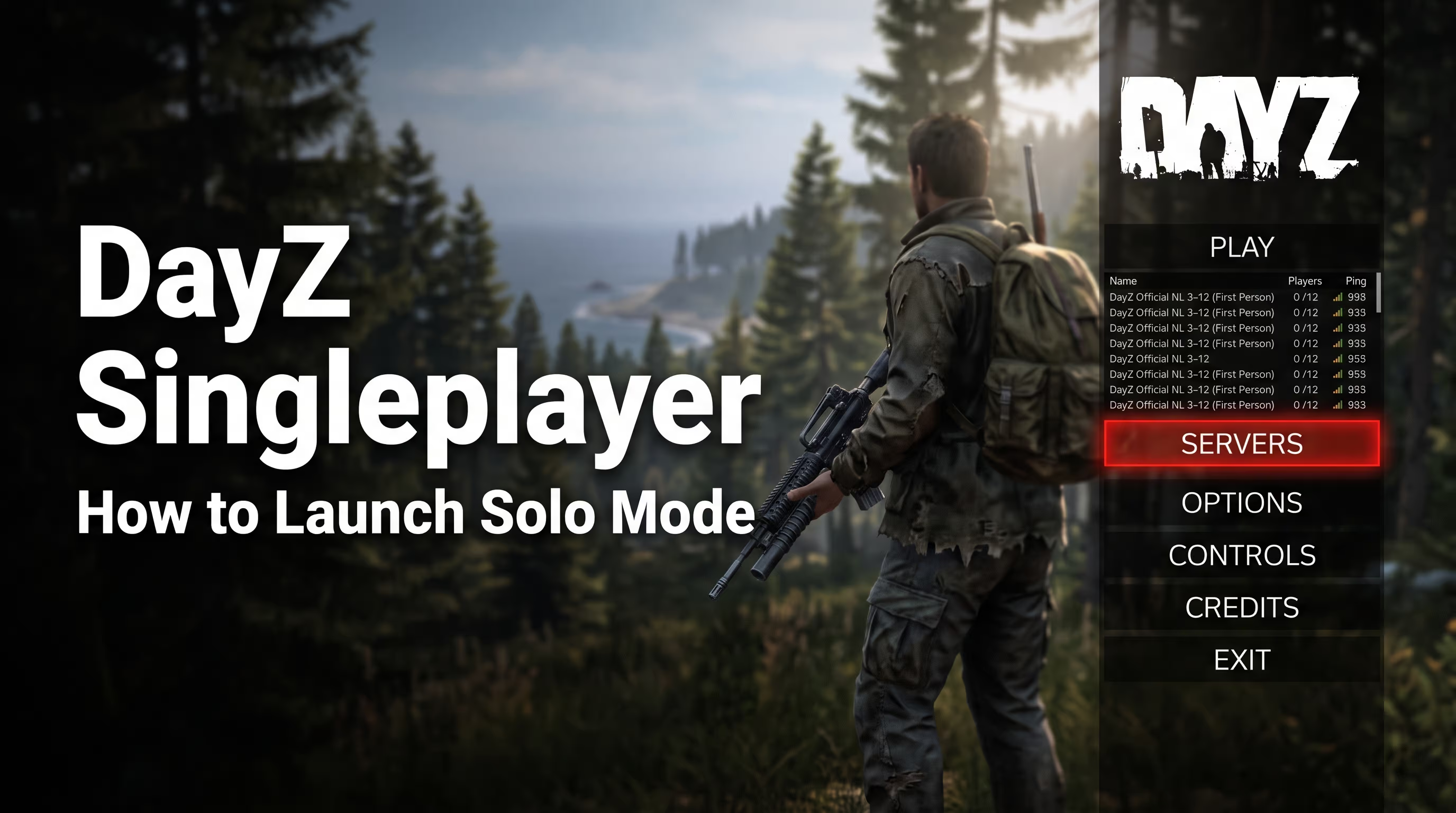
If you're looking for a way to launch DayZ solo, you need to understand the core differences between the available methods. There is no official single-player campaign, but there are three bulletproof ways to play alone.
- Method 1: Local Server (LAN). The only official way to play with persistent saves for loot, vehicles, and bases. You emulate a server on your own PC.
- Method 2: Community Offline Mode. An unofficial mod by Arkensor. The ultimate sandbox with an admin panel to spawn any items, but progress isn't saved after you exit.
- Database: The
types.xmlandevents.xmlfiles control the spawn rates of zombies, loot, and heli crashes—not the game client itself. - Anti-cheat: Running mods locally requires temporarily disabling BattlEye, otherwise it will block the process and throw an error.
- Hardware: To comfortably host the server and play on the same rig, you'll need at least 16GB of RAM and an SSD.
Let's dig into why the game's architecture works this way and do a step-by-step setup for each option so you can seamlessly play DayZ solo.
Why Is There No "Single Player" Button in DayZ? (Enfusion Architecture)
A common question from beginners on forums is whether DayZ has single-player. Technically, in the Steam version files, you can find a Missions\dayzOffline.ChernarusPlus folder. However, this isn't a fully fleshed-out mode; it's a rudimentary stress test for the devs. The Enfusion Engine is built on a strict Client-Server Split paradigm.
This means your game client only handles graphic rendering, audio processing, and reading your keystrokes. All the physics, ballistics, zombie AI, weather, and—most importantly—loot, are generated exclusively on the server side. For a DayZ single-player experience to work properly with saves, a server module needs to initialize the db/economy.xml database. Simply launching the offline mission doesn't do this, so after restarting the game, you'll spawn back on the beach with empty pockets.
Method 1: Local Server (LAN) — Ideal for Survival with Saves
If you're dead set on playing DayZ solo and want your base, cars, and Tisy loot runs to actually stay saved, you have to host a server on your own PC. It sounds intimidating, but the process actually takes about 15 minutes. You'll be connecting to your own rig via localhost. This is the true DayZ single-player experience everyone dreams of, complete with full customization.
Step 1. Installing DayZ Server via Steam Tools
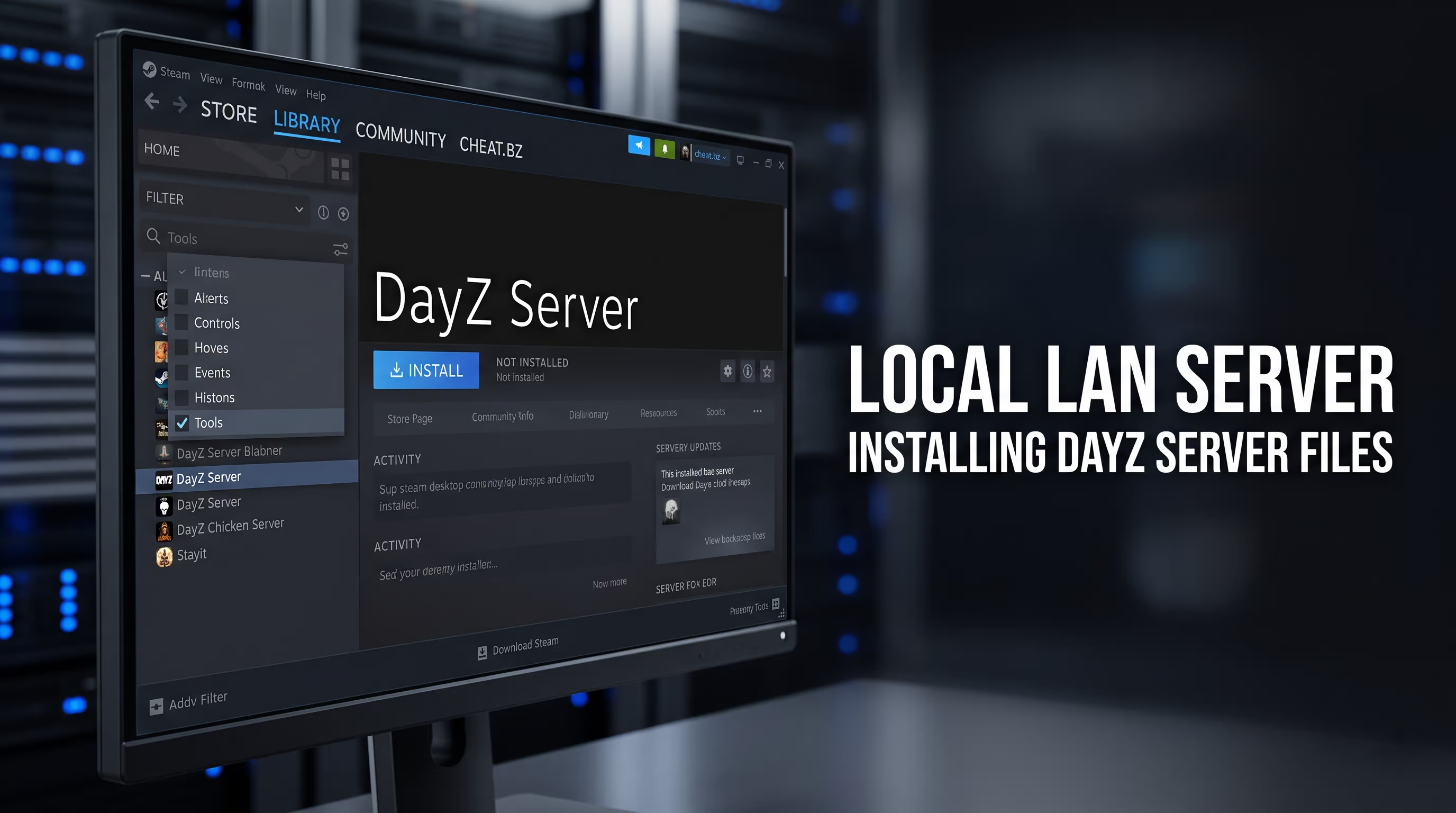
First, we need the server files. You don't have to buy anything extra if you already own the base game. Open your Steam Library, click the dropdown menu in the top left corner (usually labeled "Games"), and check the box for Tools. Search for DayZ Server and install it. We highly recommend installing it on the same SSD as the base game to avoid massive load times.
Step 2. Creating a Universal Launch .bat File
Just hitting "Play" in Steam isn't enough. The server needs launch parameters. Navigate to your downloaded DayZ Server root folder. Create a standard text document there, open it, and paste the following script:
@echo off
cls
set version=1.0
set serverName=MySoloServer
set serverLocation="C:\Program Files (x86)\Steam\steamapps\common\DayZServer"
set serverPort=2302
set serverConfig=serverDZ.cfg
set serverCPU=2
title %serverName% batch
cd "%serverLocation%"
echo Starting DayZ Server...
start "DayZ Server" /min "DayZServer_x64.exe" -config=%serverConfig% -port=%serverPort% -profiles=profiles -cpuCount=%serverCPU% -dologs -adminlog -netlog -freezecheck
timeout 10
echo Server initialized!
Save the file as start.bat. Pay attention to the -config=serverDZ.cfg parameter—this tells the server where to pull its base settings from. This config file generates automatically on your first launch, but you can edit it in Notepad to change the hostname (server name), password (if you want to lock out randoms), and serverTimeAcceleration (speed up the day/night cycle).
Step 3. Deep Loot Configuration (types.xml and events.xml)
Unlike official servers where large clans vacuum up all the loot, a DayZ solo server lets you tune the economy to your liking. The spawn system for every item is handled by the types.xml file, located at \mpmissions\dayzOffline.chernarusplus\db\. If you want M4A1 assault rifles dropping in every police station, find this block of code:
<type name="M4A1">
    <nominal>10</nominal>
    <lifetime>28800</lifetime>
    <restock>1800</restock>
    <min>5</min>
    <quantmin>-1</quantmin>
    <quantmax>-1</quantmax>
    <cost>100</cost>
    <flags count_in_cargo="1" count_in_hoarder="1" count_in_map="1" count_in_player="1" crafted="0" mutant="0"/>
    <category name="weapons"/>
    <usage name="Military"/>
</type>
Tweak the <nominal> parameter (target amount on the map) and <min> (lower spawn threshold) to higher values. Dynamic events (heli crashes, convoys, trains) are tweaked in the events.xml file. Here, you can boost their spawn frequency. It’s the fine-tuning of these configs that separates a quality single-player run from a dead, empty world.
Method 2: Community Offline Mode — The Admin Sandbox
For players who don't care about long-term survival but just want to test ballistics, try out new guns from a patch, or just mess around, there is the Community Offline Mode by Arkensor. A lot of people try to search for "DayZ single local player" downloads on sketchy torrent sites, but the right way is pulling it from the official GitHub repo.
Installing the Arkensor Mod and Bypassing BattlEye
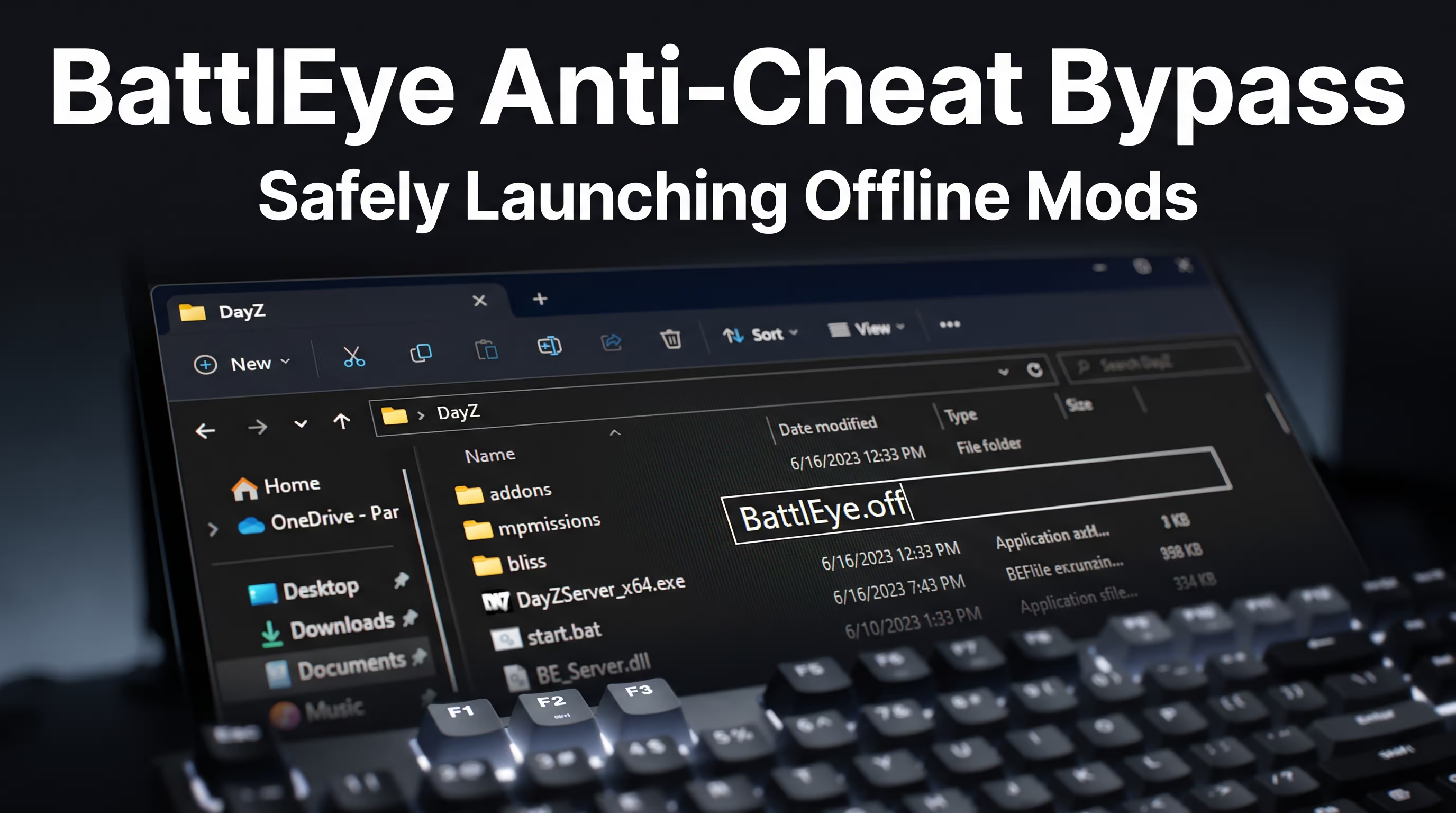
Download the mod archive from GitHub. Inside, you'll find a Missions folder. Drag and drop this into the root folder of your DayZ game client (overwrite files if prompted). Now for the critical part: running local, unsigned scripts will trigger the anti-cheat. You need to go into your DayZ root directory, locate the BattlEye folder, and temporarily rename it to BattlEye.off. Launch the mode using the special .bat file included with the mod.
Hotkeys and Admin Panel Features
Once you spawn on the coast, you have access to a rich set of developer tools. Instead of downloading shady DayZ singleplayer repacks loaded with malware, you get a powerful, legitimate toolset:
Y— Opens the main admin panel (spawn any items, vehicles, control the weather).End— Instant teleport to wherever your crosshair is pointing.Insert— Toggles Free Cam mode so you can scout the map from the air.O— Opens the spawn menu for zombies and wildlife.NumPad -— Toggles God Mode (invincibility).
Method 3: Pseudo-Solo on Empty Official Servers (PvE)
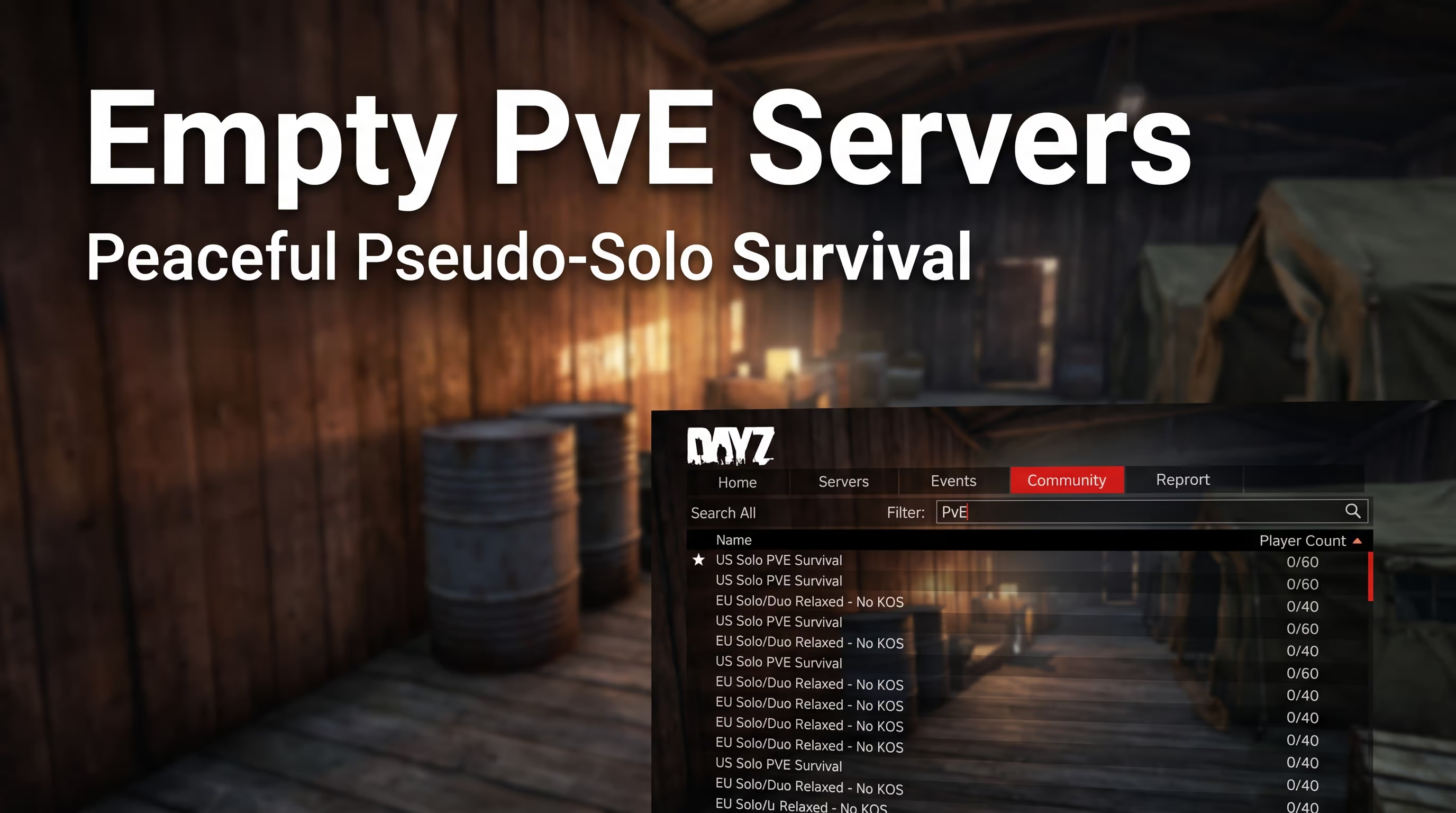
If you absolutely hate messing with consoles and XML databases, there’s a lazy alternative. Dedicated DayZ PvE solo servers are hugely popular. You can open the in-game server browser, tab over to Community, and filter for tags like PvE, No PvP, or Solo.
Alternatively, you can sort official servers by player count (lowest to highest) and join a server with 0-2 people online. You essentially get a DayZ solo mode, but your character will still save to the official public hive (database). The downside? The server could populate at any moment, instantly turning your chill survival run into a sweaty fight for your life.
Method Comparison Table: Local Server vs. Community Offline Mod
To finally decide how to run DayZ solo, check out the table below. We've structured our test data into a clean, easy-to-read format.
| Feature | Local Server (LAN) | Community Offline Mode (Arkensor) | Empty PvE Server |
|---|---|---|---|
| Save Progression (Loot/Bases) | ✅ Yes (Full persistence) | ❌ No (Wipes on exit) | ✅ Yes (Server hive) |
| Admin Panel Access | ❌ No (Console/logs only) | ✅ Yes (Spawn anything via Y key) | ❌ No |
| Loot Spawn Tweaking (types.xml) | ✅ Yes (Full economy control) | ❌ No (Vanilla values) | ❌ No |
| Hardware Load on PC | High (Needs +4GB RAM just for server) | Medium (Client only) | Low (Server hosted remotely) |
| Mod Support (DayZ Expansion, etc.) | ✅ Fully supported | ⚠️ Rough (Frequent conflicts) | Depends on server owner |
Common Issues & Troubleshooting
Even the most flawless guide meets the harsh reality of the Enfusion engine. Players frequently hit critical bugs when setting up single-player in DayZ. We’ve compiled fixes for the most common ones.
BattlEye Errors and Safely Returning to Multiplayer
As we mentioned earlier, running unsigned mods locally (especially offline missions) requires disabling the anti-cheat. If you forget to do this, trying to join your DayZ solo server will instantly throw a Client not responding error or kick you with a BattlEye message. The fix: rename the folder.
CRITICALLY IMPORTANT: Before jumping back into official public servers, you must rename the folder back to exactly BattlEye and verify your game files in Steam (Properties → Installed Files → Verify integrity of game files). If you connect to multiplayer with modified offline files, you risk a permanent, unappealable VAC or Game Ban.
Empty DLC Maps (Livonia / Sakhal) in Offline Mode
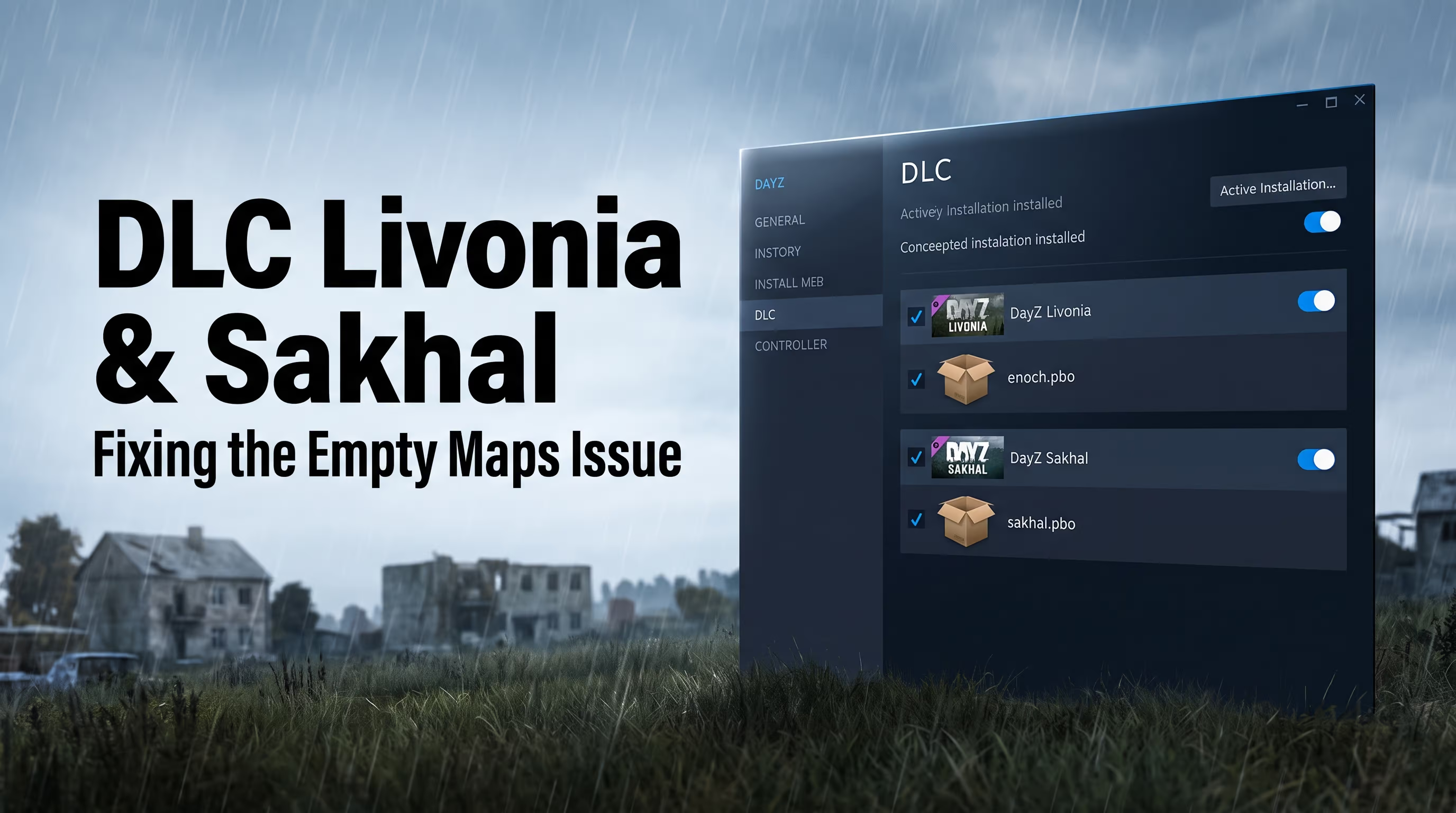
A lot of players complain: "I booted up a local server on the Livonia (Enoch) map, but it's just barren terrain—no buildings, no trees." The engine pulls static objects and textures directly from packed PBO archives. Livonia relies on enoch.pbo, and Sakhal relies on sakhal.pbo. If you don't actually own the respective DLC on your Steam account, the engine physically cannot render the structures, even if you put the map name in serverDZ.cfg. Pirated workarounds are highly unstable here, so a legit DLC license is required for this to work correctly.
Crashes with Overhaul Mods (DayZ Expansion)
Massive overhaul mods like DayZ Expansion completely rewrite helicopter mechanics, base building, and UI. Running them on a local server requires absolute flawless syntax in your .bat file parameters. If you're getting a Script error on launch, check your mod load order. EnforceScript libraries load in a strict sequence. Your -mod= parameter must look like this:
-mod=@CF;@CommunityOnlineTools;@DayZExpansionCore;@DayZExpansionLicensed;@DayZExpansionIf you forget to put the mandatory @CF (Community Framework) at the very front—the server will crash. For a deeper dive into engine architecture and fixing complex mod conflicts, we recommend checking out the dedicated technical teardowns from our dev team.
Conclusion
Creating your own private world in Chernarus is the absolute best way to map out the terrain, learn weapon recoil patterns, and figure out the crafting logic without losing all your gear to a sniper bullet in the back. Tweak your types.xml to fit your playstyle, shorten the nights, boost the high-tier loot, and enjoy a stress-free survival experience.