

Escape from Tarkov Bans: Error Codes, HWID Hardware Bans, and Appeal Guide
In Escape from Tarkov, security is enforced by two distinct systems: the BattlEye anti-cheat running deep within the Windows kernel (Ring 0) via its BEDaisy.sys driver, and Battlestate Games' proprietary server-side security filters. Getting abruptly locked out of the launcher after hundreds of hours grinding raids, farming Bitcoins, and upgrading your Hideout is a gut punch for any player. The golden rule right now: do not panic, and definitely do not rush out to buy a new game key. If the anti-cheat flagged you with a Tarkov HWID ban, a fresh profile will get burned within the first five minutes of your raid. Our editorial team broke down how to identify a Tarkov ban early, tell a routine password lockout apart from a permanent ban, and route your appeal so a real human specialist actually reviews it.
At a Glance: Rapid Situation Diagnosis
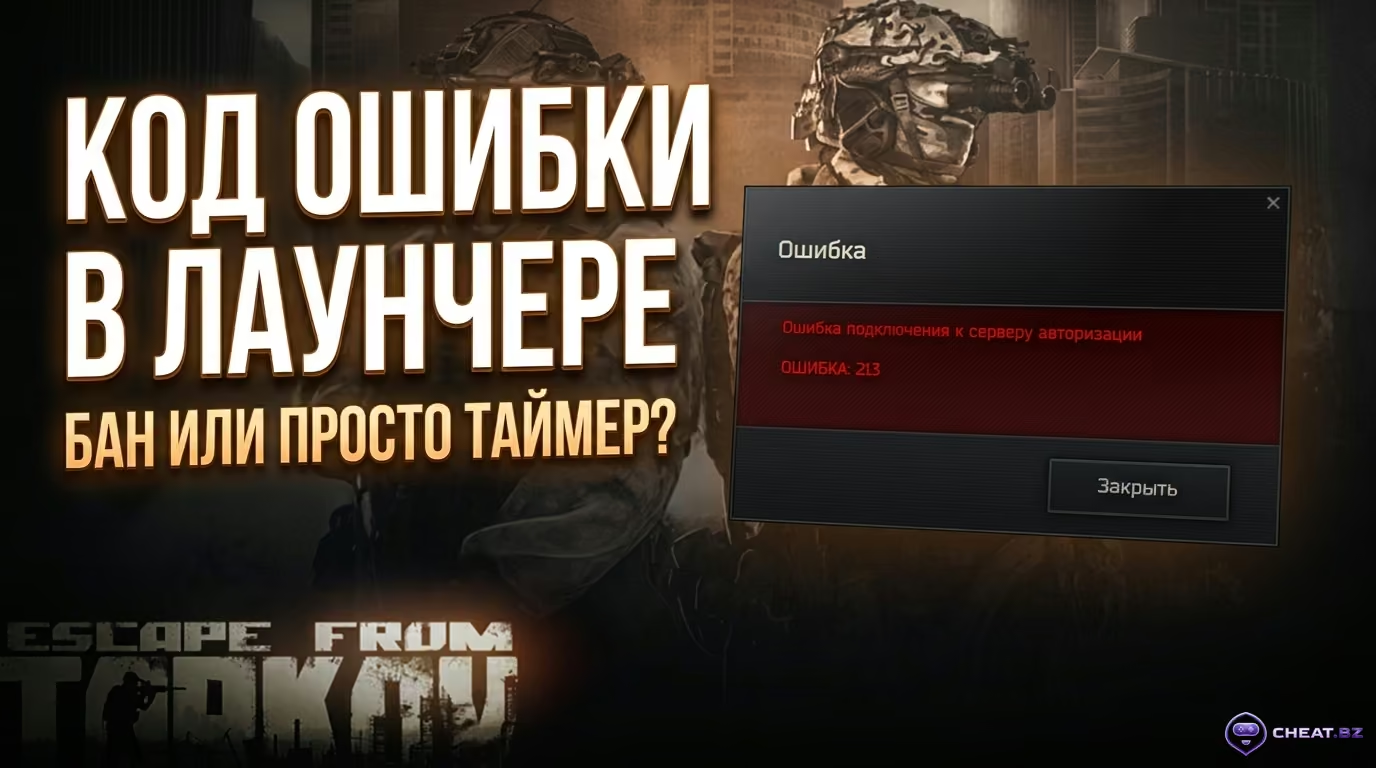
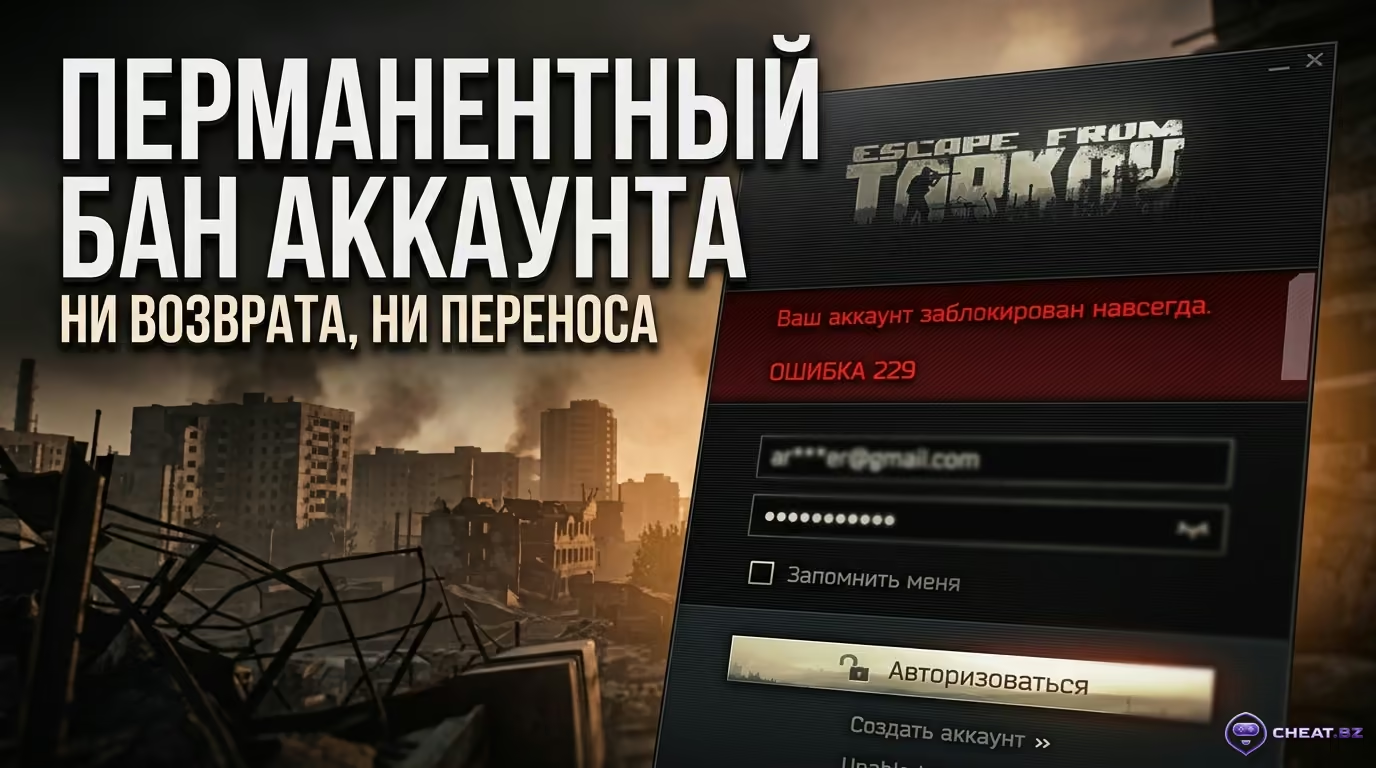
The fastest way to identify a Tarkov ban is by checking the launcher error code: Error 229 signals a permanent Tarkov account ban, whereas Error 213 is merely temporary brute-force protection that clears on its own.
- Error 229 — Permanent Game Ban: Access to the game is revoked permanently. BSG support will not review these tickets under Section 6.1.4 of the EULA. If the ban is a false positive, your sole recourse is appealing directly to BattlEye Appeals.
- Error 213 — Temporary Cooldown Timer: You or someone else entered the wrong password several times. The account is not banned; you simply need to wait for the timer on the login button to run down.
- Error 202015 — Suspicious Login: Frequently triggers for players using cloud gaming services (such as GeForce NOW or Shadow PC) or switching regions abruptly. Resolved through BSG support by verifying proof-of-purchase receipts.
- HWID bans cannot be cleared by reinstalling Windows: BattlEye logs hardware serials across your motherboard, storage drives, network adapter, and TPM chip. Launching a new account on the same PC will trigger a ban in your very first raid.
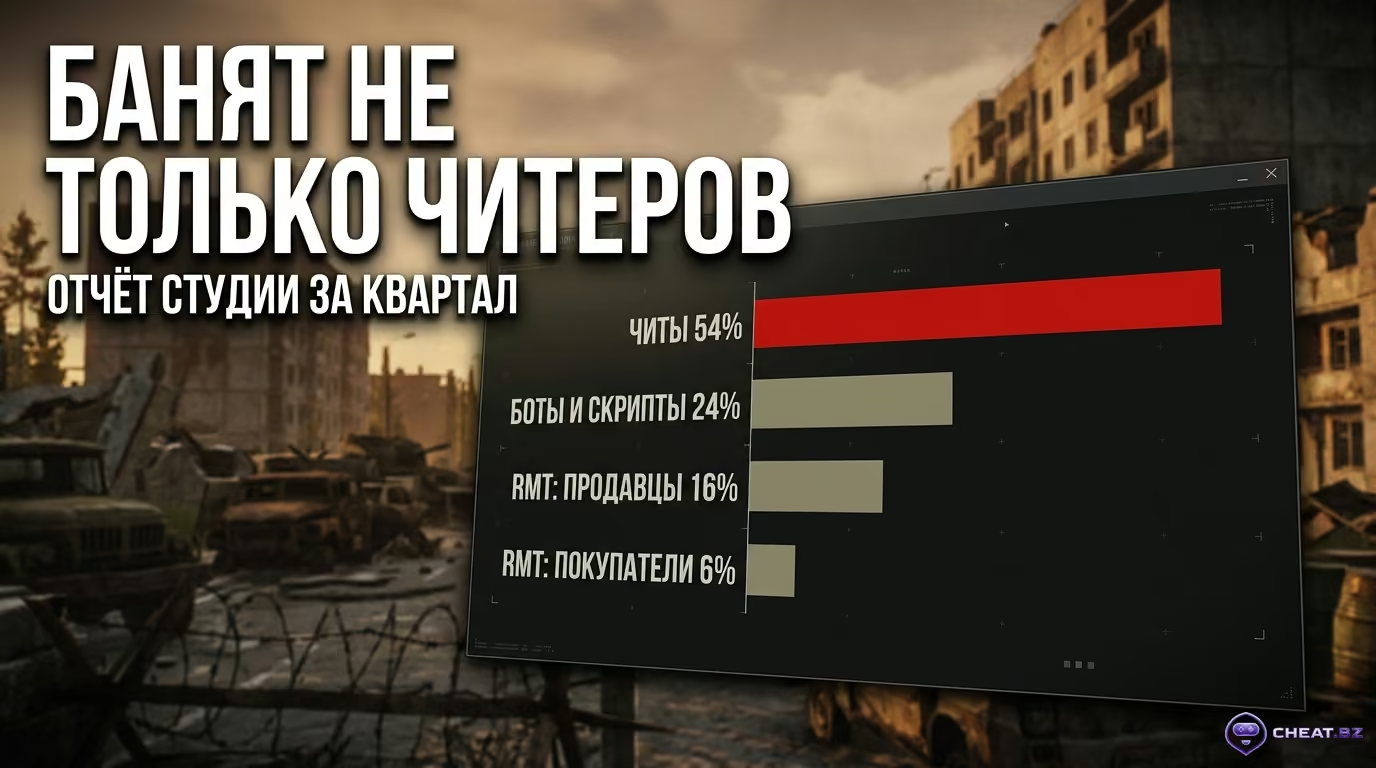
- 2026 Ban Wave Statistics: During the first quarter of 2026, BSG banned 25,000 accounts. Cheating accounted for 54% of all Tarkov bans, while the remaining 46% came from RMT penalties, Flea Market bots, and squad boosting alongside cheaters. This makes running vetted private Escape from Tarkov cheats engineered with multi-layered kernel bypasses essential.
- Paid unban services are a scam: No one on Telegram or Discord has the access required to clear BattlEye databases. Sending money to scammers will only cost you your funds and your account.
BsgLauncher Error Codes: What the Game Displays and What It Means
Every launcher system message points to a specific issue, and confusing them will lead to the wrong diagnosis.
Error 229 — Permanent Game Ban
This is the permanent Tarkov ban every player fears. The server returns a user_banned status when BattlEye detects unauthorized software in PC memory or server-side heuristics flag severe rule violations. Getting a refund or transferring items to another profile is technically impossible.
Error 213 — Authentication Security Lockout
This error has nothing to do with cheats or gameplay violations. It is automated protection against brute-force password cracking. If incorrect credentials are submitted multiple times in succession, the launcher freezes login attempts behind a countdown timer (ranging from five minutes to a couple of hours). Support cannot bypass this: you simply have to wait for the timer to expire.
Error 202015 and Network Anomalies (403, Cloud Services)
This code appears when the system detects an unusual login pattern—such as connecting from a cloud gaming data center where hundreds of unrelated users share a single IP. Access is temporarily suspended to protect your account. Error 403, on the other hand, indicates a routine network gateway failure at your ISP—resolved by restarting your router or switching DNS servers.
BsgLauncher Service Codes Comparison Table
| Error Code | Restriction Type | Account Status | Reversibility | Recommended Action |
|---|---|---|---|---|
| Error 229 | Permanent Game Ban | Permanently Banned | BattlEye appeal only (false positives) | Check PC for HWID ban, submit appeal to BE |
| Error 213 | Auth Lockout Timer | Active (Login restricted) | Automatic via timer | Wait for countdown to expire, reset password on website |
| Error 202015 | Security Suspension | Temporarily Suspended | Yes, via BSG Support | Submit support ticket with Xsolla receipts |
| Error 403 | Network Gateway Refusal | Unaffected | Immediate upon network reset | Restart router, change DNS, disable proxy |
How Hardware (HWID) Bans Work in Escape from Tarkov
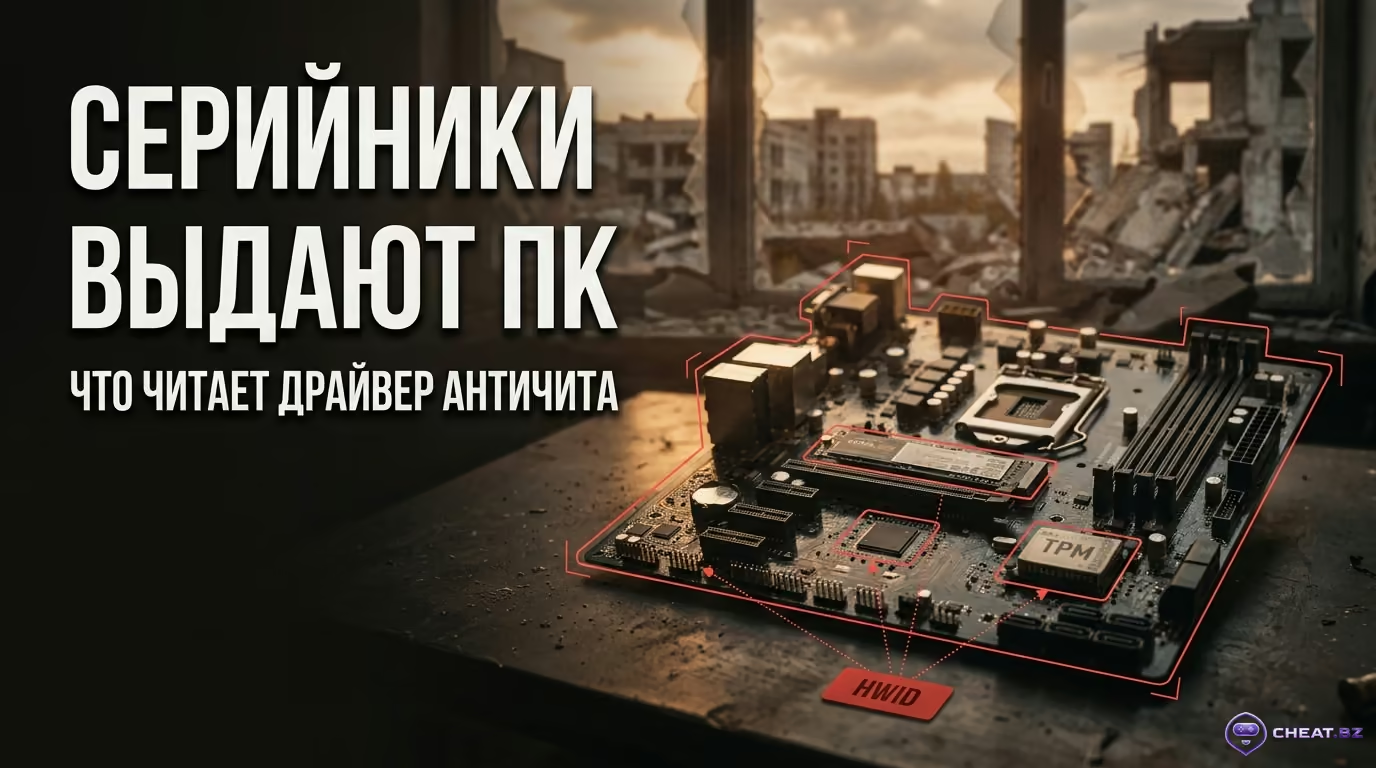
Players frequently ask how to check for a Tarkov ban at the hardware level: Tarkov enforces HWID bans not through Windows files, but by collecting unique PC component serial numbers directly across the hardware bus.
The Components of a BattlEye HWID Fingerprint
Every time the game launches, the BEDaisy.sys driver queries your system to compile a unified digital fingerprint (HWID Fingerprint):
- Motherboard (SMBIOS): Factory motherboard UUID, PCB serial number, and chipset revision;
- Storage Drives (SSD & HDD): Physical controller serial numbers for NVMe and SATA drives, hardcoded at the manufacturing plant;
- Network Adapters: Hardware MAC addresses of integrated or add-in network interface cards;
- Security Module: Unique cryptographic keys embedded in the TPM 2.0 chip.
Chain Bans: Why Fresh Accounts Get Burned Instantly
Once a PC is logged in the blacklist database, simply purchasing a clean copy of the game turns into a trap. The moment you enter new account credentials on a flagged PC, the anti-cheat detects the matching component telemetry. Consequently, the fresh profile gets banned within the first 3–5 minutes of your very first raid, burning your game key instantly.
Community Myths: Why Reinstalling Windows and Swapping an SSD Won't Save You
The web is full of bad advice claiming you can lift a Tarkov HWID ban with basic workarounds. Here is why they fail:
- Reinstalling Windows and formatting drives: The anti-cheat reads the drive controller's factory serial number, not your Windows volume letter. Wiping the OS only modifies the software Volume ID, which BattlEye ignores completely.
- Buying a single new SSD: If you only swap your OS drive while keeping your original motherboard, network adapter, and processor, hardware telemetry overlap exceeds 75%. The anti-cheat instantly ties your PC to the prior ban and blacklists the new SSD.
- Free public spoofers: Public tools rely on outdated drivers that have long been blacklisted by anti-cheat systems. We previously broke down the architecture of an effective PC HWID Spoofer in detail, and for reliable serial masking, stick to vetted solutions from our dedicated HWID Spoofer catalog.
Why Players Get Banned in Tarkov: Official Statistics and Hidden Triggers
Losing an account doesn't happen solely through third-party programs; basic recklessness with the in-game economy can trigger a ban just as quickly.
Official Escape from Tarkov Ban Breakdown (BSG Q1 2026 Data)
| Violation Category | Share of Total Bans | Typical Violation Scenarios | Enforced Penalty |
|---|---|---|---|
| Cheating & Unauthorized Software | 54% | Aimbots, radars, direct memory injection | Permanent Account Ban + PC HWID Ban |
| Real-Money Trading (RMT) — Sellers | 16% | Mass item extraction, transferring currency via third-party marketplaces | Permanent Ban Across All Linked Accounts |
| Real-Money Trading (RMT) — Buyers | 6% | Receiving high-value items and cases for fiat currency | 60-Day Temporary Ban with Full Stash Wipe / Permanent Ban |
| Bots, Scripts & Third-Party Tools | 24% | Flea Market automation, recoil compensation macros | Permanent Account Ban |
The Official 2026 Report: Cheats vs. Economy
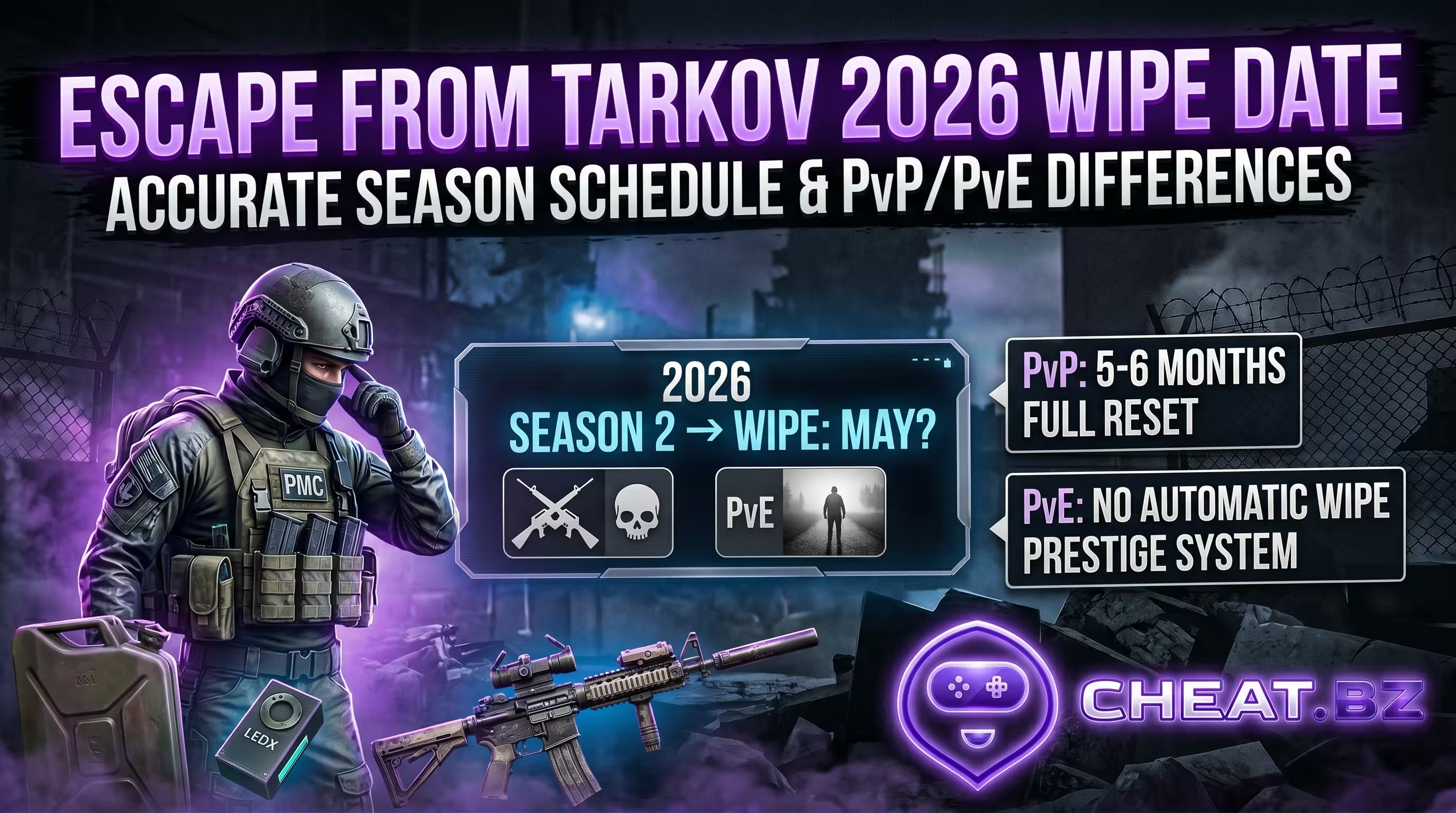
Official developer figures from Q1 2026 highlight a critical reality: nearly half of all bans (46%) were triggered by economic manipulation and market automation bots. Losing a fully upgraded Hideout mid-season is devastating, especially while everyone eagerly tracks when the next Escape from Tarkov wipe will happen, making account security more critical than ever.
RMT and Boosting: Loot Transfer Limits and Queuing with Cheaters
Game servers continuously monitor wealth transfers between players. If you routinely bring ammo boxes, Bitcoins, or high-tier armor into raids to drop for friends, server heuristics can flag the activity as illegal item sales. Suspicious Flea Market trades are flagged the exact same way—such as a cheap bandage purchased for millions of in-game Roubles. Furthermore, regularly running raids alongside a cheater who wipes lobbies for you (boosting or carry services) will earn your profile a 60-day temporary ban paired with a complete wipe of all your gear.
Prohibited and Conflicting Software: AHK, Mouse Macros, Debuggers
Standard overlays like Discord or GeForce Experience are untouched by the anti-cheat. However, the following software will trigger immediate enforcement:
- AutoHotkey (AHK) scripts for rapid semi-auto clicking or grenade spamming;
- Macros inside mouse software (Logitech, Razer, Bloody) engineered to compensate for weapon recoil automatically;
- Memory debuggers left running in background processes (Cheat Engine,
x64dbg, Process Hacker); - Windows Test Signing mode enabled (
TestSigning = On), which causes the anti-cheat to block the game from launching entirely.
We explored the technical distinction between direct game memory injection and safe overlays in our guide on the difference between Internal and External cheats, which is why our private software catalog rigorously verifies the operational status of every driver.
The Steam Refund Ban Rumor: What Happened at 1.0 Release
When Tarkov launched on Steam in November 2025, rumors circulated across forums claiming refunding the game triggered IP bans. Studio head Nikita Buyanov refuted this directly. In truth, a routine key revocation sync error occurred between Steam and BSG servers during refund processing. Actual Steam Tarkov bans targeted only those whose systems showed traces of unauthorized software.
Many players wonder: if you buy the game through Steam, will a Tarkov HWID ban disappear? The answer is an unequivocal no. Steam serves merely as a storefront for purchasing and downloading. When you start the game, it still launches the exact same BEDaisy.sys driver that reads your hardware serials. If your PC already has an active hardware ban, the Steam version will get banned during your very first raid all the same.
What to Do If You're Banned: Step-by-Step Verification and Appeal Process
To avoid wasting time, you must contact the right support team from the start with the correct documentation in hand.
Step 1: Splitting Jurisdictions — Who You Actually Need to Contact
Draw a clear line between both entities: game developers do not lift anti-cheat bans, and the anti-cheat team does not recover compromised accounts.
- BattlEye Appeals: Submit a ticket here for Error 229 if you played legitimately, never used scripts, and are certain the ban is a false positive.
- BSG Support (
support@battlestategames.com): Contact them for Error 202015 if your account was compromised, your email was hijacked, or you ran into edition payment issues.
Step 2: Submitting an Appeal to BattlEye (Instructions and Template)
How to submit an anti-cheat appeal so it doesn't get tossed straight into the trash:
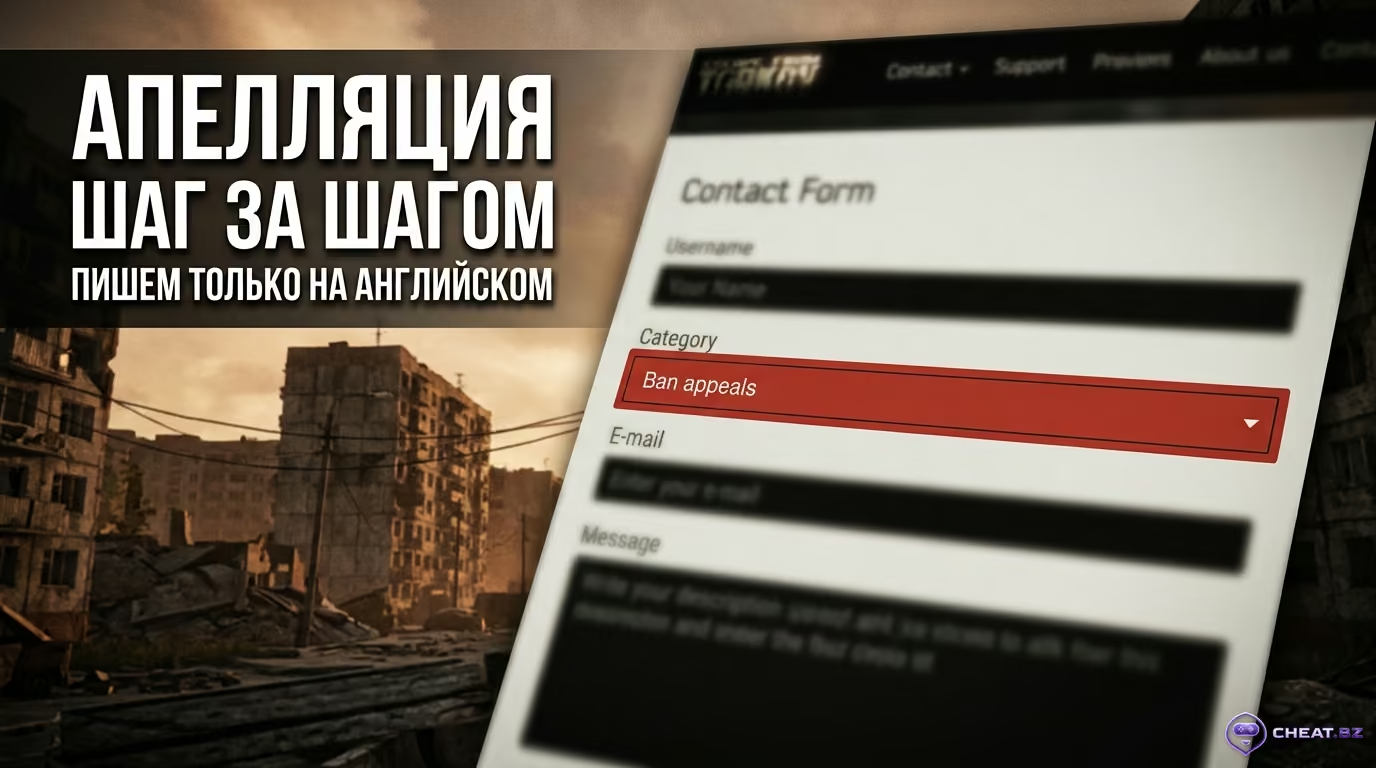
- Head to the official website:
https://www.battleye.com/contact/. - From the category dropdown menu, select "Ban Appeals".
- Write strictly in English, keeping your tone calm and professional.
- State your character nickname, registered email, the exact date of the ban, and any software running in the background.
- Submit the form once. Spamming repeated inquiries only sends you to the back of the queue. Support replies typically take 7 to 14 business days.
Here is a ready-to-use appeal template you can copy and fill out with your details:
Subject: Ban Appeal — Escape from Tarkov — [In-game Nickname]

Dear BattlEye Support Team,

I am submitting an appeal regarding an Error 229 ban on my Escape from Tarkov account (registered email: [your_email@example.com], character nickname: [Nickname], date of ban: [MM/DD/YYYY]).

I have never used unauthorized third-party software, automation scripts, memory injectors, or hardware macros. I suspect a false positive detection caused by legitimate background software or system driver conflicts.

I am ready to provide full DXDiag exports, OS event logs, and BattlEye client logs upon request. Please review the hardware telemetry and detection flags for my session.

Sincerely,
[Your Name / Nickname]
Step 3: Contacting BSG Support for Security Suspensions (Xsolla Checklist)
If your account was frozen as a security precaution, gather verifiable proof confirming you own the game:
- A screenshot of your bank receipt displaying a clear Xsolla transaction ID (Invoice ID);
- The game purchase receipt from the confirmation email delivered on the date you paid for the pre-order;
- The original email address used to register the profile and the approximate account creation date;
- Your character nickname change history and the city where you originally created the account.
The Unban Service Blacklist: Why Paid Unbans Are Pure Scams
Social media platforms and gaming groups frequently feature fraudsters offering to "remove a Tarkov ban through insider admins" for $20 to $50. Understand this: it is pure fraud. The blacklisted hardware database is hosted on secure BattlEye servers in Germany. Even regular Battlestate Games staff lack a backend tool to manually purge a player from the anti-cheat blocklist. Sending money to these "services" leaves you with empty pockets and no game—and in the worst cases, compromised email credentials.
The Future of EFT Security: TPM 2.0 and Secure Boot Hardware Requirements
Tarkov's developers are preparing to transition to stricter hardware security baselines to eliminate loopholes exploited by external radars and Direct Memory Access boards currently leveraging specialized DMA card firmware:
- TPM 2.0 and Secure Boot: Planned to become mandatory requirements at the BIOS/UEFI level to launch the shooter. Older motherboards without a hardware cryptographic module and drives partitioned with legacy MBR will simply be blocked from launching the game.
- Kernel Isolation (VBS and HVCI): Built-in Windows security protections that prevent unauthorized devices from intercepting data across PC system memory.
Given how much storage space Escape from Tarkov requires on PC alongside its massive maps, upgrading to a modern motherboard and storage drive with UEFI and fTPM support well in advance will save you from major technical headaches in future patches.
Key Takeaways: How to Avoid a Tarkov Ban and Protect Your Account
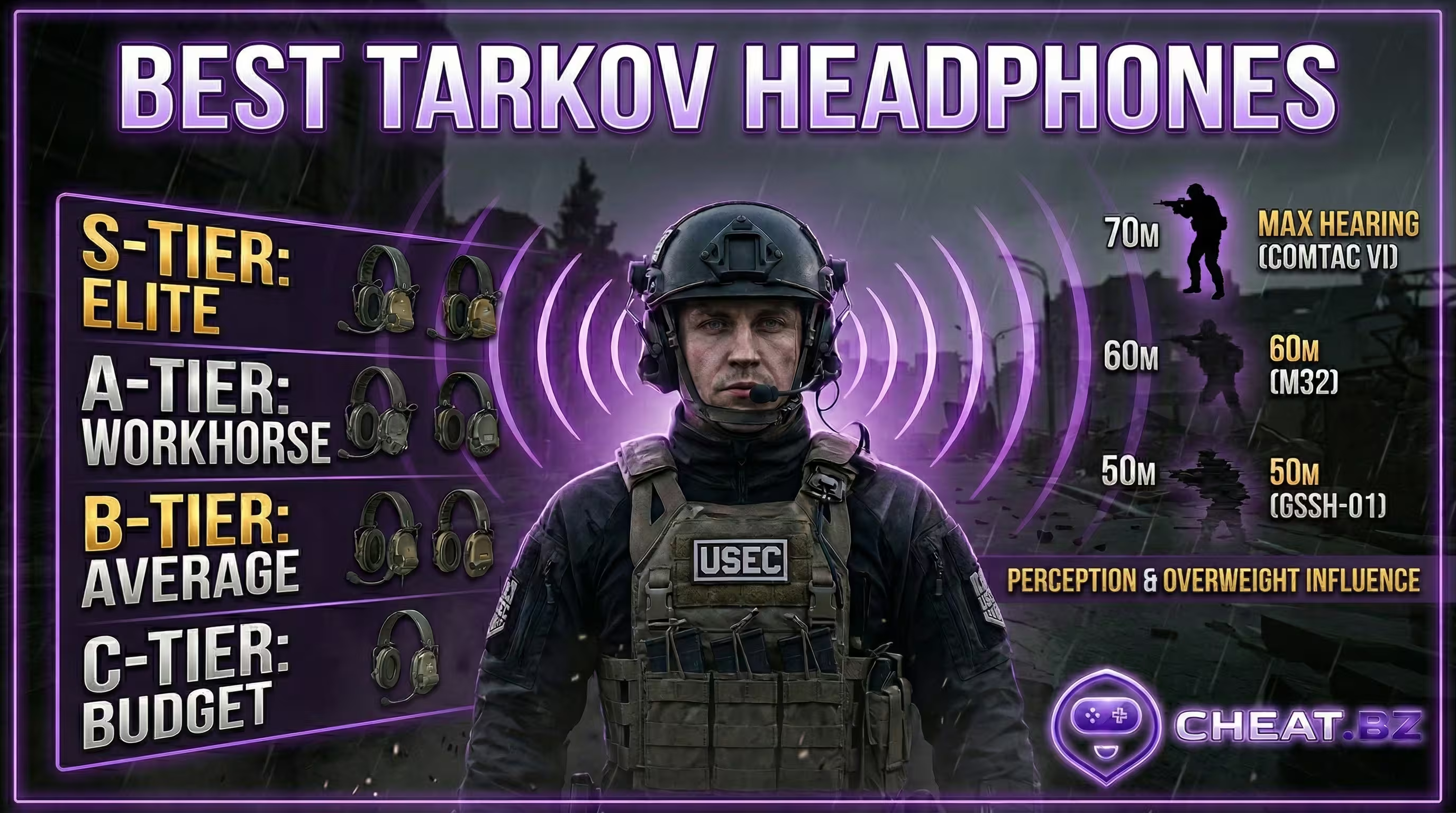
If you run into an error in the launcher, don't rush to panic: identify the code on your screen, avoid shady bypass utilities, and never risk clean profiles on flagged hardware. To understand how to avoid a Tarkov ban and stay locked onto enemy footsteps during raids, check out our Escape from Tarkov headset tier list, and explore our other tactical guides in the analytics articles section—and may your raids always extract with backpacks full of high-tier loot!