

The Complete Guide to Wipes in Rust
Rust launched on Steam Early Access in December 2013 as an experimental survival simulator, and by 2018 it had a fully reworked server architecture with procedural terrain generation — laying the groundwork for the most brutal session mechanic in the game: the regular wipe. Today, Rust is a race against the clock. Players sink dozens of hours into grinding, building impenetrable bases, and unlocking top-tier recipes, only for everything to vanish in an instant. Survival starts from zero.
Honestly, when we were analyzing player behavior patterns as part of our research on the gaming software platform cheat.bz, we noticed one thing: the biggest rookie mistake is joining a server a couple of days before a full map reset. A wipe in Rust isn't just a restart — it's a total erasure of your progress. While some players waste weeks on pointless farming right before a reset, experienced hardcore players track the schedule religiously so they can drop in within seconds of the update going live.
TL;DR
A wipe in Rust is a full or partial deletion of server data (map, structures, loot, and blueprints) required to optimize performance and level the playing field between veterans and newcomers.
- When is the global wipe: The official
force wipehappens strictly on the first Thursday of every month, synced with the Facepunch patch. The next projected date is August 6, 2026. - Reset time: There's no exact minute, but the historical benchmark is 7:00 PM BST (British Summer Time), which is roughly 2:00 PM EDT / 11:00 AM PDT.
- Wipe types: A standard
map wiperesets only the map and structures while preserving learned blueprints. A full reset (BP wipe) erases absolutely all progress. - Finding a game: To find the best servers wiping today, use online monitoring tools with a map age (
wipe age) filter and the "just wiped" tag. - Console edition: The schedule for Rust Console Edition is managed by Double Eleven and does not align with the PC server calendar.
Below, we'll break down the technical side of the reset, explain why some admins forget to purge old databases, and show you how to plan your start on a fresh seed like a pro.
What Is a Wipe in Rust and What Types Exist
Let's clear up the basics first: what does this term actually mean from a technical standpoint? It's not just a server reboot. A Rust server stores data in dedicated database files and save files. When a wipe occurs, those files get deleted, forcing the game engine to regenerate the procedural map from scratch with a new World Seed.
A lot of players mistakenly assume every restart erases everything. From our team's experience, not understanding the difference between wipe types is the single most common reason people waste time. We're talking about completely different progression scenarios here. In general, Rust wipes fall into several strict categories.
| Wipe Type | What Gets Deleted (Reset) | What Usually Persists | When It's Applied |
|---|---|---|---|
| Map Wipe | The map itself, all structures, loot in crates, monument placement, sleeping bags. | Learned blueprints, clan systems, plugin-based economies. | Every week (weekly) or every two weeks (biweekly) on community servers. |
| BP Wipe (Blueprint Wipe) | All learned recipes (tech trees). Players can no longer craft weapons from scratch. | Only the base inventory (if the BP wipe is run separately, which is extremely rare). | At the admin's discretion, usually once a month. |
| Full Wipe | Map, structures, player inventories, all blueprints, survival stats. | Global settings and VIP privileges (if tied to Steam ID). | Global reset, new season transition, or a major engine update. |
| Force Wipe | The procedural map on absolutely every server in the game (Official and Community). | Blueprints may persist if the server owner hasn't manually reset recipes. | Every first Thursday of the month alongside the Facepunch update. |
How a Map Wipe Differs from a BP Wipe and a Full Wipe
The difference is critical for your strategy. A map wipe is simply a terrain refresh. You wake up naked on the beach, but if you already unlocked the assault rifle recipe last week, you just need to find the components and a workbench of the right tier. A blueprint wipe hits where it hurts most — it destroys your entire tech progression. A full wipe combines both processes, sending everyone straight back to the Stone Age.
What Survives a Map Wipe
If a server only announces a terrain refresh, your inventory still vanishes. But you keep the most valuable asset — knowledge. Beyond blueprints, modded servers often preserve your in-game store balance, kill stats, custom plugin settings, and reputation. If you're unsure whether blueprints get wiped on a specific host, always read the server description in their Discord or on the official site before you commit.
Why Servers Get Wiped: Performance, Balance, Fresh Start
Why destroy a base that took hundreds of thousands of resources to build? Regular Rust server wipes are essential for stability. Unlike session-based shooters, this game accumulates data. If you don't clear the world for a month, the entity count exceeds critical limits, FPS drops to unplayable levels, and RAM gets clogged with garbage. Second, it's about balance. A fresh restart is the only window where a solo player with a bow has a legitimate shot against a full clan.

When Is the Global Wipe in Rust and What Time Does It Start
The official global reset is a sacred day for the entire community. It's a forced event (force wipe) initiated by Facepunch themselves. On this day, a major patch drops with new content, and the Steam client updates. Without the update, you can't connect to any server.
First Thursday or Last Thursday: When Does the Wipe Actually Happen
Players constantly run into conflicting information when the global wipe catches them off guard. Some older wiki sources (like Fandom) may claim it's the last Thursday of the month. That's an outdated, conflicting fact. Our team confirms: the stable, working Facepunch pattern is every first Thursday of the month. For example, if August starts on a Saturday, the restart falls on the 6th (the first Thursday). Always check the official announcements before you play.
What Time Does the Rust Wipe Hit in EDT, PDT, UTC, and BST
Players constantly scour forums asking what time the Rust wipe drops. But here's the thing: the developers never lock in an exact release minute. If the update is bugged, they can delay it by several hours. That said, there is a historical window.
| Time Zone | Estimated Force Wipe Time | Notes on the Update Window |
|---|---|---|
| BST (British Summer Time) | ~ 7:00 PM | Home time zone of the Facepunch dev team (London). |
| UTC (Coordinated Universal Time) | ~ 6:00 PM | In summer, BST equals UTC+1. This is the baseline standard for international servers. |
| EDT (US Eastern Time) | ~ 2:00 PM | Most common reference for the NA East Coast. Expect the patch between 2:00 PM and 4:00 PM EDT. |
| PDT (US Pacific Time) | ~ 11:00 AM | West Coast reference. Window: 11:00 AM to 1:00 PM PDT. |
Does the Wipe Schedule Differ on Rust Console Edition
The console version (PlayStation, Xbox) runs on a completely different build and is managed by a third-party studio, Double Eleven. The PC platform schedule has nothing to do with consoles. Rust Console Edition has its own separate calendar, announced on a dedicated official Twitter/X account. Don't try to join console official servers based on the PC calendar — they won't match.
How to Check the Date and Time Before Launch
Here's something people often overlook: to avoid sitting in front of your monitor for nothing, bookmark aggregators like RUSTalyzer. They pull API data and display a live countdown timer. But remember — the global update timer is just a mathematical prediction. Always check the official Facepunch Discord on wipe day. That's the only place you'll get a real-time announcement about delays.
Best Rust Servers Wiping Today: Monitoring and Rankings
If you missed the first Thursday, no problem. Modded and classic community servers run their own resets independently of Facepunch. To drop into a game on equal footing, you need third-party monitoring and rankings. The in-game server browser is often janky, slow to refresh, and doesn't show the actual start date.
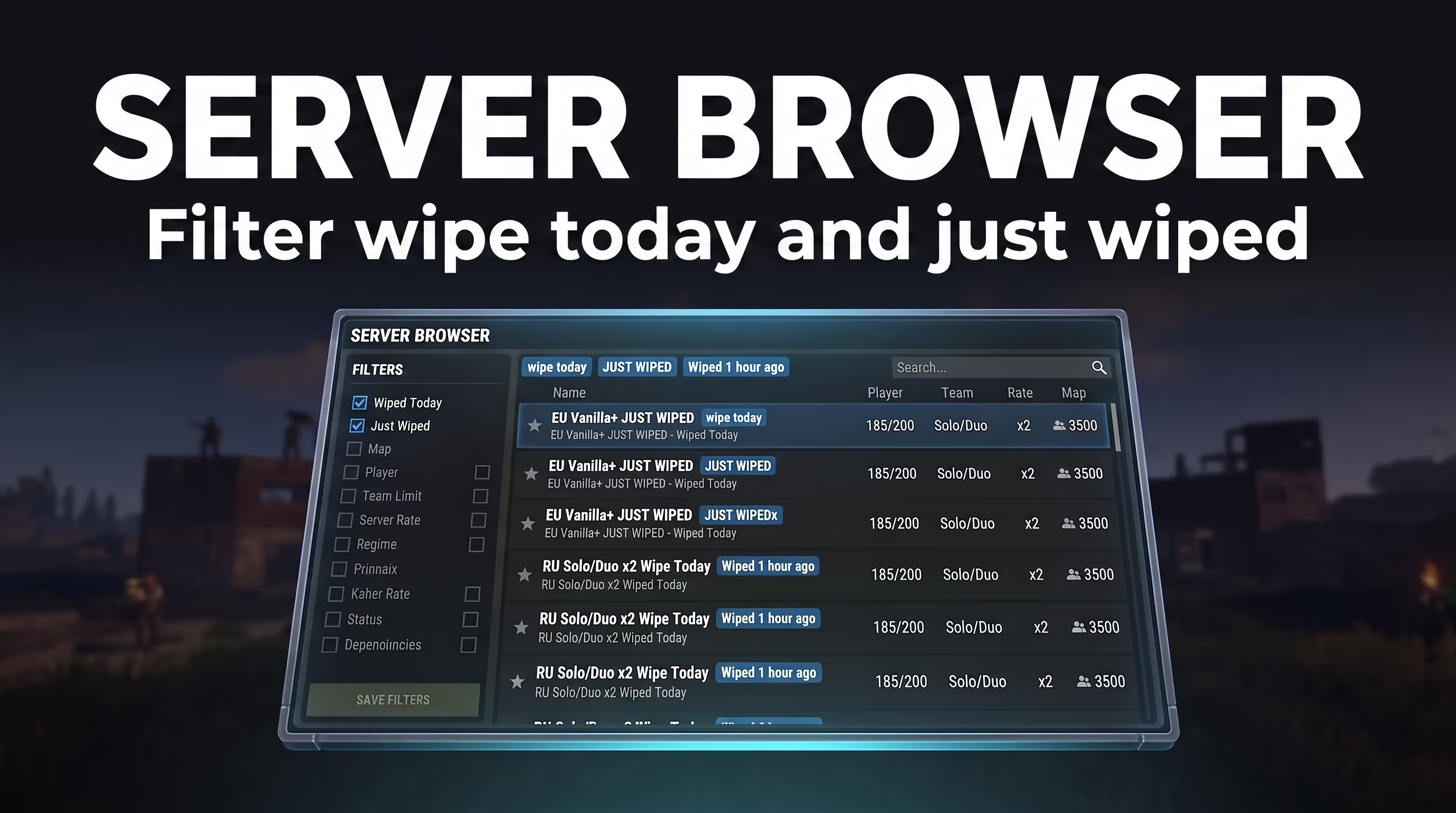
Which Monitoring Filters Matter: Wipe Today, Just Wiped, Full Wipe, Wipe Age
Advanced Rust server monitoring tools (like BattleMetrics) let you filter the list by strict criteria. If you're looking for Rust servers wiping today, pay close attention to the wipe age filter (map age).
A server might have a "today" label, but the actual restart was 15 hours ago — in survival terms, that's an eternity. Stone castles are already up. Look for servers tagged just wiped or filter the list so that no more than 1–3 hours have passed since launch.
How to Read Tags: Wiped 1 Hour Ago, 2 Days Old, JUST FULLWIPED
- Wiped 1 hour ago: The perfect moment to drop in. People are just starting to chop wood; PvP is still bows and rocks.
- 2 days old: The map has been live for 48 hours. Jumping in solo here only makes sense for target practice.
- JUST FULLWIPED: This tag means the admin erased not just the terrain but all recipes too.
How to Connect to a Server via Console (F1) and the Connect Command
Once you've found a good option, don't bother searching by name in the in-game browser. Copy the IP address and port from the ranking site. Then, in the main menu, press F1 to open the developer console. Type connect IP:PORT (for example, connect 192.168.1.1:28015) and hit Enter. This is the fastest and most reliable way to get into the game.
How to Pick a Server as a Beginner: Map Size, Team Limit, Rates, PvE
This is exactly why you should study the rules in advance: beginners often make the fatal mistake of joining official servers with no team limit. A 10-man clan will steamroll you in minutes. When sorting by player count, look for these parameters: team limit: Solo/Duo, Rates: x2 or x3, and Map size: 3500–4500. And for those tired of constant raids, there are PvE servers with a no-kill rule where you can chill, learn electrical wiring, and build farms in peace.
Preparing for a Rust Server Wipe and Post-Launch Strategy
The start doesn't forgive slowness. If you're on potato internet and it takes you 20 minutes to load in, everyone else already has metal doors and furnaces up. Time economy is everything here.
What to Do Before the Restart: Team, Ping, Date, Server
Your step-by-step action plan one hour before the update:
- Check your connection: Copy the server IP into a notepad ahead of time. Ping the host via the Windows command line (
ping IP) to confirm your latency is acceptable. - Assemble your team: If you're playing in a party, all teammates should be in Discord and ready to hit connect at the same moment.
- Buy a queue skip: On popular servers, a queue of hundreds forms the second the server goes live. Grabbing a VIP status for a few bucks lets you skip that line entirely.
The First 15 Minutes After Spawning In
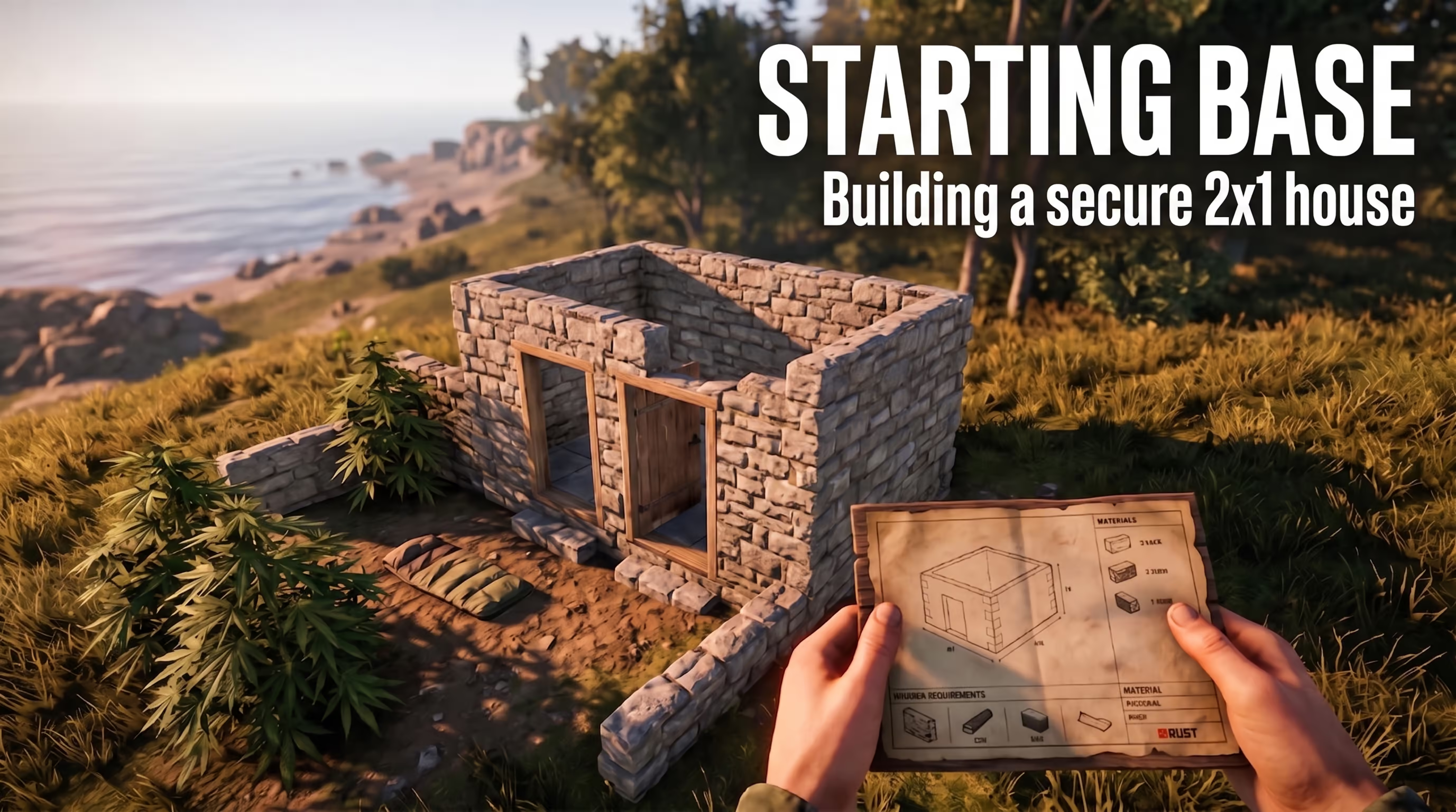
This is where it gets intense. The moment you wake up on the beach, your goal isn't PvP — it's basic resources. Gather ~60 cloth by harvesting hemp bushes, craft a bow and a sleeping bag. Drop the sleeping bag in some bushes on your way inland — that's your respawn point. Head toward roads, smash barrels, and find flat ground for a minimal 2x1 starter base (a square with an airlock).
Planning Around Weekly, Biweekly, and Monthly Cycles
Let's break down why your survival strategy shifts dramatically depending on the cycle the server owner has set.
- Weekly: Planning horizon is 3–4 days. The pace is frantic. If you haven't got a stone base up on day one, you're getting raided on day two.
- Biweekly (every 14 days): Slightly slower tempo. Week one is scrap grinding; week two is domination and full-scale clan warfare.
- Monthly (every first Thursday): The long game. Here you can afford to build massive castles and unlock tech at a relaxed pace.
How a Blueprint Wipe Reshapes Tech Progression
If a server resets recipes every month, you'll spend hours farming Scrap just to re-learn syringes, ammo, and metal doors. In those conditions, avoid early firefights. Your job is to vacuum roads, recycle items at the Outpost safe zone, and get home fast.
How to Wipe a Rust Server: Admin Guide
If you're not a player but a server owner, you need to understand the technical difference between a simple restart and a full data purge. Wipes on Rust servers often cause confusion with plugins. To properly clean the machine, simply restarting the process isn't enough.
Map Wipe and Global Wipe from the Hosting Panel
Most modern control panels (Pterodactyl, TCAdmin, GamePanel) have ready-made buttons. Before any manipulation, the server must be fully stopped — otherwise the engine will overwrite the deleted files from the RAM cache.
The Map Wipe button deletes only the world save, generating a fresh terrain on next boot. The Global Wipe button destroys both the map and the player technology databases.
Which Files to Delete: .sav, .db, .map, Blueprints
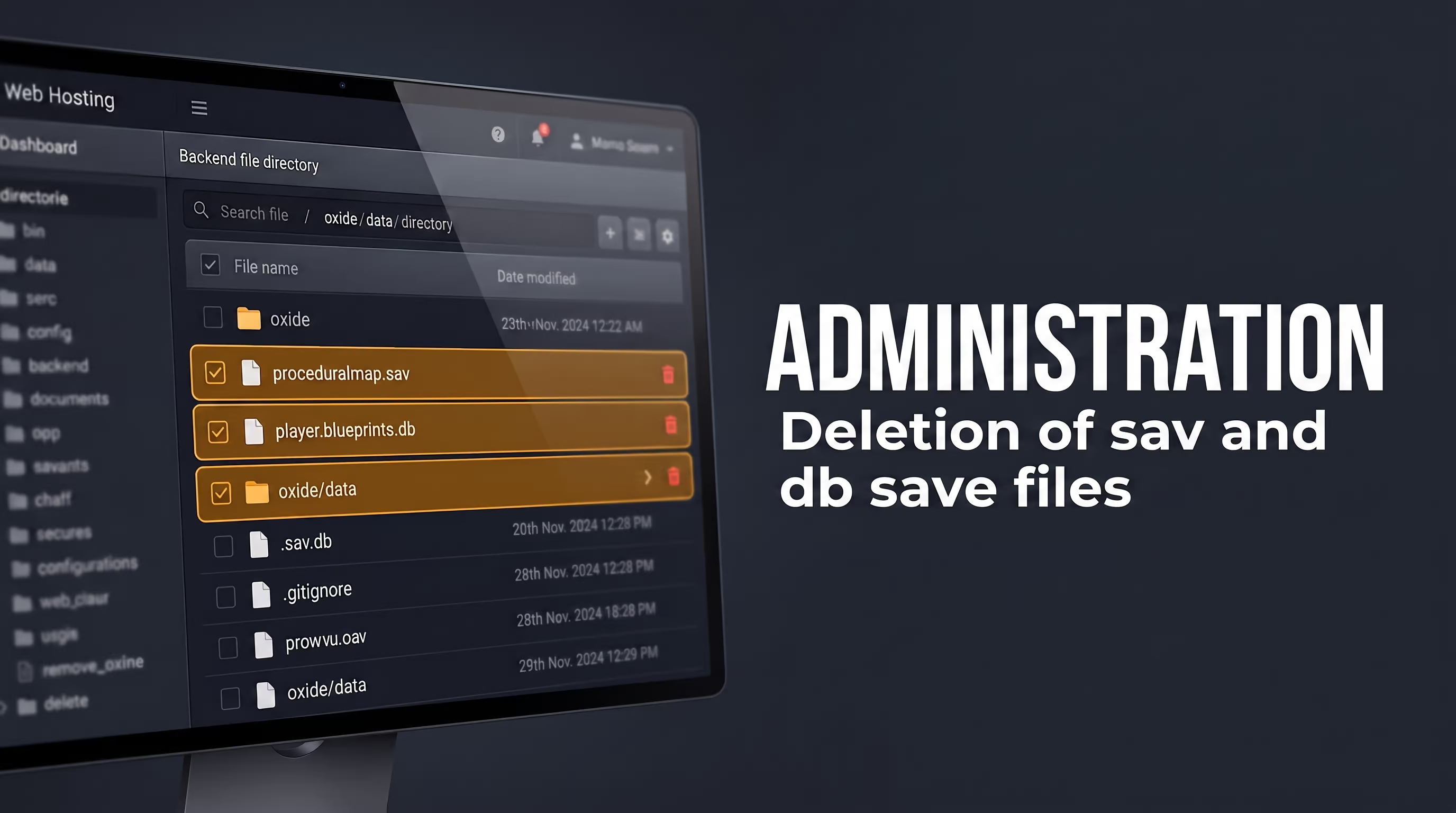
If you don't have a panel and you're working via FTP, here's what's happening under the hood:
proceduralmap.*.sav— the save cache for the current map and all structures on it. Deleting this file performs the terrain reset.proceduralmap.*.map— the generated biome cache.player.blueprints.*.db— the database storing all player-learned recipes.sv.files.*.dbandplayer.identities.*.db— system stats and tokens. Only cleared during a full global restart.
Why oxide/data Needs a Separate Cleanup
Here's the gotcha that new admins on modded servers always miss. Plugins on the Oxide (uMod) platform store their logs and configs in a separate oxide/data folder. No standard wipe deletes this folder automatically! If you ran a global wipe but didn't touch the data files, players will still have their kits (Kits_Data.json), teleport points (NTeleportationHome.json), and balances. These JSON files must be erased manually.
Auto-Wipe on World Seed Change
To automate the routine, many hosting providers let you configure an auto-wipe tied to the seed. In your launch config file, you change the +server.seed 123456 value to any other number. The hosting script detects the seed change and automatically deletes the old .sav file on the next boot. This eliminates human error.
Conclusion
To dive deeper into game mechanics and hardware optimization for new patches, check out the other technical articles and breakdowns on the cheat.bz blog. Proper time management is the key to successful survival. Good luck on the new seed!