Rust Wipe Updates, Base Designs & Raid Guides

Article cover

Rust Recycler 2026: Full Location Map, Scrap Yield Table & Farming Guide

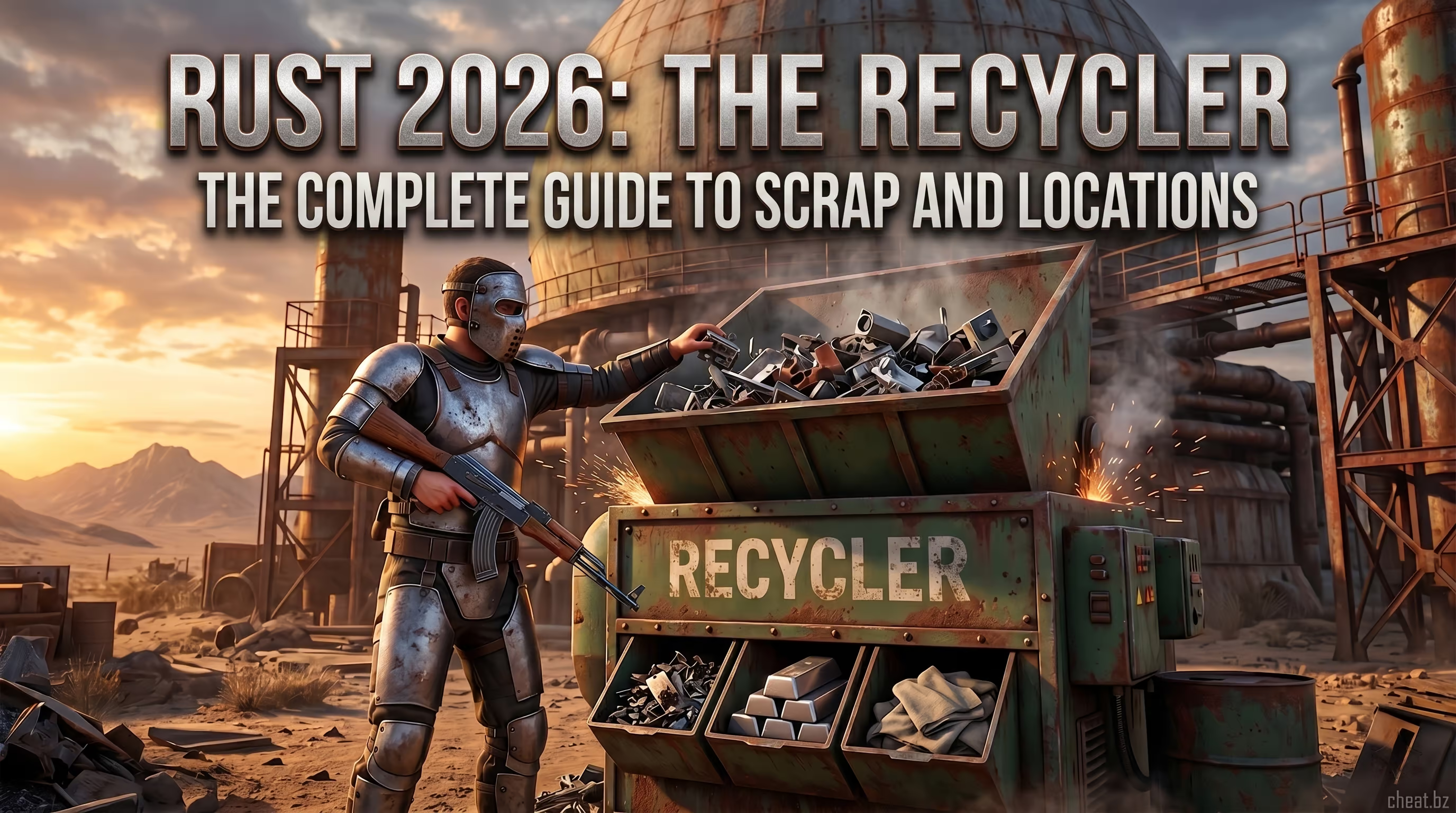
Early survival projects like DayZ laid the foundation, but Rust pushed the hardcore grinding concept to the absolute limit. When you extract from a monument with a full inventory of loot, the main dilemma arises: how to safely turn this junk into valuable resources. The Recycler isn't just a machine; it's the cornerstone of the entire server economy. It's the center of gravity for the whole map, the catalyst for the most brutal firefights, and the line dividing survivalists with stone hatchets from clans with T3 guns. In May 2024, Facepunch developers rolled out the Meta Madness patch, forever changing the rules of the game. Previously, half the server sat safely in the Outpost, but today, you have to spill blood for maximum profit. During our tests, we analyzed dozens of patch notes and compiled the ultimate knowledge base. Below, we'll break down exactly where to find the Recycler in Rust, how the resource yield math works in the current meta, and how to survive when half the server rushes to the sound of the grinding gears. Rust Recycler menu interface loaded with Tech Trash and Rifle Body components. Table of Contents TL;DR / Quick Summary Where to Find the Recycler in Rust: Map of All Locations Recyclers in Safe Zones Recyclers at Monuments (Radtowns) Resource Yield Math: How the Calculator Works Loot Tier List: What to Recycle and What to Stash Survival Tactics: How to Safely Use the Recycler Pocket Recycler and Server Plugins Player Reviews Frequently Asked Questions (FAQ) Conclusion TL;DR / Quick Summary The Recycler in Rust allows you to break down found loot, turning useless items into valuable resources: scrap, metal fragments, cloth, and High Quality Metal (HQM). After the Meta Madness update, the machine's economy changed drastically. Safe Zones (Outpost, Bandit Camp): Machines yield only 40% of the item's crafting cost, and one recycling cycle takes 8 seconds. This is the price of absolute safety. Monuments (Radtowns): Monument recyclers yield 60% of resources and have a 5-second cycle speed, but you risk losing everything in a PvP shootout. Disputed Locations: Recyclers at the Fishing Village and Ranch are missing on official servers. You'll only find them there on modded projects. Best Loot to Recycle: Tech Trash, Rifle Bodies, and CCTV Cameras give the max profit for HQM and scrap. Private Servers: Admins can place a recycler in a Rust base using the RecycleManager plugin or console commands. Let's figure out exactly where to look for these machines on the massive map and what tactics the pros use for safe farming. Where to Find the Recycler in Rust: Map of All Locations Knowing the map is 90% of survival. Many beginners run aimlessly around the island, not understanding which locations have a recycler in Rust and where you'll only find radiation and roofcampers. The developers have strictly divided monuments by risk level. We've prepared an up-to-date summary to help you plan the perfect route to dump your loot. Recyclers in Safe Zones Peaceful zones are a lifesaver for solo players. Drawing weapons is strictly prohibited, and order is maintained by automated turrets and heavily armed NPC guards. The main downside is the nerfed efficiency of the Rust recycler. In exchange for peace of mind, you get less scrap and spend more time waiting. The machines are guaranteed to spawn in the two main hubs: Outpost: The machine is located in a half-ruined building on the outskirts of the safe zone. This is the most popular spot on the server, so be prepared for lines. Players often try to loot someone else's machine—always keep your inventory open and quickly grab your resources. Bandit Camp: The bandit recycler is hidden in a wooden structure next to the roulette wheel and weapons dealers. The zone is patrolled, but the dense layout makes it easier to hide if you accidentally aggro the guards outside the perimeter. As for smaller peaceful locations, there's often confusion. Players constantly Google if there is a recycler at the Fishing Village in Rust or the Large Barn. The official answer from the developers is: no. Large Fishing Villages, Ranches, and Barns do not have built-in recyclers in the vanilla Steam client. You will only find them there on custom modded servers. A player uses a recycler in the Outpost safe zone among other survivors. Recyclers at Monuments (Radtowns) This is where the real profit is forged. Machines at monuments (radtowns) run faster and yield 20% more resources compared to safe zones. But for this bonus, you pay with the constant risk of catching a bolty headshot from a camper. We checked the most popular spawn points so you don't waste time searching in the danger zone: Monument (Radtown) Where to Find the Machine Risk Level & Details Airfield In the far-left hangar (looking from the radar dishes) and in the main office building. High risk. Massive open spaces. Often patrolled by clans. Launch Site The Rust launch site recycler sits under the awnings near the rocket launch shaft and the admin building. Extreme risk. Bradley APC patrols the area. Radiation protection required. Train Yard Inside the large central building with the blue roof, on the second floor. High risk. A camper's favorite, as the machine's sound echoes across the entire yard. The Dome Many debate where the recycler at the dome in Rust is located. It sits right at the base of the monument, next to the crude oil refinery shacks. Medium risk. Carefully check the bushes around the structure before starting it. Water Treatment Plant Inside the two-story brick building with an open roof. Medium risk. Excellent location for counter-ambushes thanks to plenty of cover. Power Plant The Rust power plant recycler is in the central hangar with the slanted roof. High risk. Heavy radiation, blue card farmers frequently pass through. Harbor Hidden between the blue and red shipping containers. Both harbors (small and large) have one machine each. Low risk. Perfect for wipe day. No radiation, but packed with "nakeds". It's worth mentioning locations like the Desert Military Base and Military Tunnels separately. The recycler at the military base is right in the center of the tent camp, but using it is pure suicide due to the MLRS and NPC scientists. In the tunnels, the machine is in a shed at the entrance, making it convenient for a quick recycle run before descending into the dark. Resource Yield Math: How the Rust Recycler Calculator Works For years, the recycling system was static. But the Meta Madness patch flipped the meta upside down. The developers noticed players stopped taking risks: they looted roads, ran to Outpost, safely spun the machine, and went back to base. To stimulate PvP, Facepunch introduced harsh penalties for safe zones. Here is how the current recycler calculator works in 2026: The 40/8 Rule: Any machine located in a non-damage zone (Outpost, Bandit Camp) will only return 40% of the item's base crafting cost. Furthermore, the machine's gears spin slower—one cycle eats up 8 seconds of your time. The 60/5 Rule: Any machine at a radioactive monument (Train Yard, Dome, Airfield) returns the full 60% of resources. The machine runs at max capacity, chewing through loot in 5 seconds per cycle. Honestly, when our team tested these changes, the difference was massive. Imagine: you bring 100 Sheet Metal. At a monument, you'll get 60 High Quality Metal (HQM) in 8 minutes. In a safe zone, you'll only get 40 HQM after standing at the machine for almost 13 minutes! For clans and RMT farmers, this difference is critical. It's the tax for playing it safe. On a global scale, the Rust recycling table follows strict formulas. If an item cannot be crafted (like components such as springs or gears), the game uses a fixed yield pool. If an item is crafted from multiple resources, the machine divides its cost by the location's multiplier. Comparative table of loot recycling efficiency between Safe Zones and Monuments. Loot Tier List: What to Recycle and What to Stash Inventory space is limited, and greed is infinite. When you're vacuuming up a monument, it's crucial to know which items have the best ROI (Return on Investment) and which are better off tossed. Recycling items in Rust is the art of juggling priorities. For an in-depth study of economy mechanics and inventory management, we recommend checking out detailed materials in Rust technical guides, which break down the engine's algorithms. Sources of High Quality Metal (HQM) and Scrap High Quality Metal (HQM) is the most valuable resource in the game, required for armored doors and top-tier weapons. Scrap is the local currency for researching blueprints. If wealth is your goal, check the table below. Item (Component) Scrap HQM Verdict Tech Trash Up to 24 1 The undisputed king of the recycler. An absolute must-recycle if you aren't crafting C4 or holosights. Rifle Body 30-40 1 (+ frags) Scrap this without a second thought if you don't have AK-47 or bolt-action rifle BPs yet. CCTV Camera ~5 1 Takes up little space, stacks perfectly. A reliable source of HQM. Sheet Metal Low 1 (+ frags) Early wipe—the perfect way to quickly farm up for sheet metal doors. Road Signs Medium Medium Critically important for crafting Road Sign Armor. Only recycle your surplus. Hidden Gems and Junk Many make the mistake of thinking you should shove everything into the machine. Let's break down some non-obvious items: Sights: Old handmade sights are better recycled—they'll refund some HQM, which is much more useful for reinforcing your base. Gloves: Leather Tactical Gloves are an excellent source of cloth early wipe when you're freezing at night. Grenades: F1 Grenades are rarely recycled, but they provide a solid boost of gunpowder and metal fragments. Metal Pipes: Better to save them. You need them for rocket launchers, waterpipes, and medical syringes. Only recycle them as a last resort. A player loads Tech Trash and Rifle Body components into the machine to get scrap. Survival Tactics: How to Safely Use the Recycler and Avoid Ambushes The Rust resource recycler is a trouble magnet. The sound of the working mechanism—a loud, rhythmic grinding of metal—can be heard from hundreds of meters away. It pierces through walls and cover. When you hit the "Turn On" button, you are literally firing a flare gun for every hardcore player in the vicinity. In our experience, 70% of deaths with a full inventory happen right at the machine. Here is how to minimize the risks: "Drop & Hide" Tactic: Never stand with your face glued to the recycler's inventory. Load the loot, turn the machine on, and immediately get to cover. Hold the angles. At places like Airfield or Water Treatment, you can climb onto a hangar roof and keep the machine in your sights. Bait Ambushes: If you're playing in a team (duo or trio), use the machine as bait. One player starts an empty or cheap recycler at the Harbor and runs away. The team's sniper takes a position on a crane and picks off the "rats" running to the noise. Cycle Splitting: Don't load all your loot into the machine at once. Toss it in 10-15 second batches. Grab the HQM and scrap, move it to your safe inventory slots, then load the next batch. If you get killed, the enemy only gets a fraction of the resources. Night Raids: The perfect time to farm is the dead of night. Grab Night Vision Goggles (NVGs) and head to the Dome or Launch Site. Visibility is zero, and the chance of running into a patrol is minimal. Pocket Recycler and Modded Server Plugins Vanilla Rust is brutal, but the community solved the issue of long runs to monuments ages ago with plugins. Rust servers with a recycler at the Fishing Village or Ranch are the standard for Modded projects running on Oxide or Carbon frameworks. Admins use several powerful tools for customization: Unsafe Recycler: This plugin brings back the classic 60% efficiency to safe zone machines, completely bypassing the Meta Madness nerf. Perfect for PvE servers. RecycleManager: A powerful utility allowing you to place a recycler in a Rust base or any custom location (like a custom arena). An admin or a player with VIP privileges just aims at the floor and types the console command: /addrecycler Pocket Recycler Plugin: A farmer's dream. You type /craftrec, and the machine either appears right in your inventory or opens a virtual menu. On-the-go recycling happens on the fly, with no need to visit monuments. Frequently used on heavily modded networks like Rustoria or Stevious for monetization via VIP stores. Using such plugins drastically changes the game's dynamics, turning a hardcore survival game into a fast-paced shooter with a rapid economy. You can learn more about configuring server mods and bypassing system limits on the cheat.bz expert blog, where we regularly break down plugin architecture. A server admin places a recycler on a base foundation using the /addrecycler command. Player Reviews M Max_Scrap Active Player ★★★★★ I never recycle loot in safe zones after the 40/8 update. Losing 20% of your loot and standing at the machine for 10 minutes is garbage. Better to hit Train Yard or Dome at night with NVGs, the profit is way higher. A Admin_RustLife Server Admin ★★★★☆ We constantly run RecycleManager on our project. Players beg for recyclers in the Fishing Village since vanilla doesn't have them. The plugin runs stable and doesn't wreck the economy. L Looter_Pro New User ★★★★★ The pocket recycler is just a top-tier feature on modded servers. No need to run across the entire map with a full inventory. Just punch in the command, grind your junk into scrap, and keep looting. Frequently Asked Questions (FAQ) How do you recycle crude oil in Rust? Do you need the machine for this? ▼ No, the standard recycler doesn't work for crude oil. To turn crude oil into Low Grade Fuel, you need a Small Refinery. You can find them at monuments (like Dome or Harbor) or craft one yourself and place it at your base. Is there a recycler at the Large Barn or Ranch in Rust? ▼ On official vanilla servers (Steam), there are no recyclers at the Large Barn or Ranch. These are peaceful zones meant for buying horses. However, on 90% of modded servers, admins manually add machines to these locations using plugins. Where is the recycler at the Train Yard in Rust? I can't find it! ▼ At the Train Yard, the machine is located inside the massive multi-story building right in the center of the monument. You need to head inside and climb the metal stairs to the second level. Be careful—it's an area with heavy lines of sight. Why does the recycler give less scrap in safe zones? ▼ This is a direct result of the Meta Madness balance patch. The developers intentionally nerfed the resource yield in safe zones down to 40% and bumped the cycle time up to 8 seconds. This was done so players wouldn't just camp inside Outpost, but instead head out to monuments (where the yield is 60%) and engage in PvP. How to make a recycler in Rust and place it in my base? ▼ In the vanilla game, crafting a recycler and putting it in your house is impossible. This feature is exclusively available on modded servers running the RecycleManager plugin. If the plugin is active, you can buy the machine in the server shop or spawn it with the /addrecycler command (if you have permissions). How much do you get for recycling an Empty Propane Tank in Rust? ▼ Throwing an Empty Propane Tank into a monument recycler will give you 50 Metal Fragments and 1 Scrap. It's a great way to quickly get enough metal to craft Code Locks or Sheet Metal Doors in the very early stages of a wipe. Conclusion While newbies waste hours grinding barrels along the roads and losing loot to random roofcampers, smart players optimize their routes. Knowing the recycling math, choosing the right locations, and understanding counter-ambush tactics will turn you from prey into the apex predator of the server. Don't be afraid of radioactive radtowns—the risk always pays off in top-tier gear. And if you want to dive deeper into the engine's technical mechanics, study anti-cheat algorithms, and permanently forget the fear of taking a bullet in the back while recycling loot, head over to the Rust help section.
Jun 18, 2026
11
Read more
Article cover

Best Rust Graphics Settings for FPS & PvP Optimization

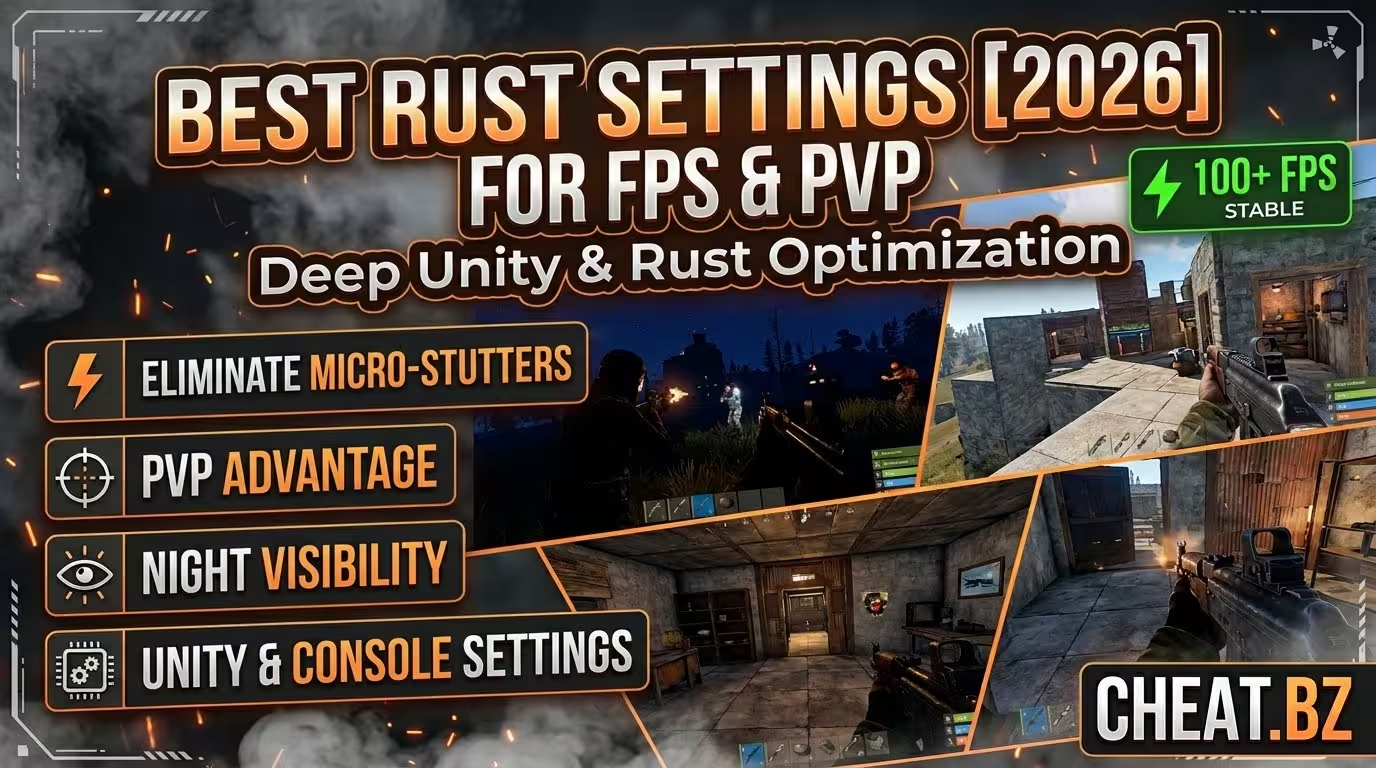
When the frame rate drops to 10 and enemies teleport across the monument, it is not gameplay—it is torture. Rust has evolved significantly since its early browser-based days, but the Unity engine still struggles with memory leaks and rendering bottlenecks. Many players mistakenly believe that upgrading a graphics card solves everything. Honestly, our team spent hours figuring this out across multiple wipes, and hardware is only half the battle. If the engine is misconfigured, even an expensive gaming PC will choke during intense gunfights. Welcome to the definitive optimization guide. As a trusted marketplace for competitive tools at cheat.bz, we analyze game engines down to the core to give players a tangible advantage. We do not just guess which sliders to pull; we reverse-engineer the rendering pipeline. In our latest patch tests, we noticed that fixing the frame pacing requires strict commands, not just lowering the resolution. Here is the exact breakdown of how to force the game to run flawlessly, providing the best rust graphics settings for FPS and absolute visibility. Optimize the Unity Engine and achieve the highest possible frame rates in Rust. Table of Contents The Best Rust Graphic Settings for Maximum FPS Boost Why Does Rust Stutter on High-End Gaming PCs? How to Fix Garbage Collection (GC) Stutters? What Are the Best Graphics Settings for PvP Visibility? Should You Enable Occlusion Culling? Which Steam Launch Options Actually Work? Rust Settings Guide & Troubleshooting FAQ Optimize Your Gameplay The Best Rust Graphic Settings for Maximum FPS Boost To maximize FPS and eliminate stuttering in Rust, alleviate the CPU bottleneck by actively managing the Unity Garbage Collector. Open the F1 console and set gc.buffer 4096, limit Draw Distance to 1500, and set Max Gibs to 0. Use Exclusive Fullscreen mode to reduce input latency and bypass the Windows Desktop Window Manager. Follow these strict parameters to shift the load correctly: Graphics Quality: 2-4 (Shifts rendering load from CPU to GPU, preventing draw call limits). Shadow Quality: 0 (Removes dynamic PvP visual clutter and saves frame time). Max Gibs: 0 (Stops massive physics calculations during base raids). Mesh Quality: 100 (Reduces polygon rendering at extreme distances without ruining models). Properly configuring the F1 console is mandatory for stable frametimes during combat. Why Does Rust Stutter on High-End Gaming PCs? Rust micro-stutters are directly caused by the Unity Engine Garbage Collector. When the allocated RAM fills up with thousands of entity data points, the engine literally pauses rendering to dump the memory. This process causes a massive frametime spike. A powerful GPU cannot process frames if the engine halts memory allocation. Furthermore, at standard resolutions, Rust is fundamentally CPU-bound, relying heavily on single-thread performance and cache memory. Processors with massive L3 Cache, like the AMD Ryzen 7 7800X3D (96MB+), bypass slower system RAM to store entity coordinates locally on the die. This specific 3D V-Cache architecture boosts 1% low FPS significantly. If the CPU lacks sufficient cache, it creates a severe bottleneck where draw calls pile up, leaving the graphics card waiting for instructions. Lowering every single setting to zero actually makes this worse, as the engine shifts Level of Detail (LOD) calculations back to the already struggling processor. Bottleneck Cause Technical Impact Immediate Fix / Command Memory Dump (Unity GC) Frametime spikes during combat gc.buffer 4096 CPU Draw Call Limit GPU utilization drops below 50% Increase Graphics Quality to 3 Thermal Throttling Gradual frame rate degradation Optimize PC cooling / Cap FPS How to Fix Garbage Collection (GC) Stutters? By opening the F1 console and entering gc.buffer 4096, force the engine to utilize up to 4GB of RAM before initiating a memory dump. This effectively eliminates mid-combat freezing and ensures smoother performance. Additionally, bind a key to manually clear memory during safe moments. Type bind k gc.collect in the console. Press this key while running out of a base or hiding behind cover. Manual dumps prevent the auto-allocator from triggering during a crucial PvP spray, providing the ultimate performance stability. Trigger memory collections manually behind cover to prevent stutters in open firefights. What Are the Best Graphics Settings for PvP Visibility? In hardcore survival games, visibility dictates survival. Setting all sliders to zero is a rookie mistake. For optimal performance and visual clarity, configure Shadow Cascades to 0 and Object Quality to 150. This specific combination stops the engine from rendering unnecessary high-polygon meshes and dynamic shadows, allowing player models to stand out against low-clutter backgrounds. This is the foundation of good rust graphic settings. Keep Grass Displacement enabled (True). Grass Displacement physically moves foliage meshes when players walk through them, which aids in tracking sweaty tryhards during intense forest fights. Disable all post-processing image effects immediately. Turn off Motion Blur and Depth of Field; these filters add artificial latency and blur the screen during fast mouse flicks. For anti-aliasing, TSSAA (Temporal Anti-Aliasing) reduces jagged edges but applies temporal algorithms that can cause slight ghosting. For pure pixel-perfect aiming, disable anti-aliasing entirely, though TSSAA remains a solid choice for maintaining visual fidelity. Setting Low-End PC Competitive PvP High Graphics (Cinematic) Shadow Cascades 0 0 2 Object Quality 50 150 200 Draw Distance 1000 1500 2500 Anti-Aliasing Off Off / TSSAA TSSAA Water Reflections 0 0 2 Disabling Shadow Cascades drastically improves visibility in dense forest environments. Should You Enable Occlusion Culling? Occlusion Culling prevents the engine from drawing objects hidden behind walls, technically preventing overdraw. However, this transfers the calculation load from the GPU directly to the CPU thread. If running an older CPU but a decent graphics card, turn Occlusion Culling OFF to relieve processor strain. If utilizing a high-end CPU, leave it ON to maintain maximum frame rate inside dense, player-built monuments. Which Steam Launch Options Actually Work? Outdated launch options ruin game stability. Commands like -cpuCount or -high often cause more stuttering on modern Windows architectures. Instead, focus on overriding the default Unity memory allocator and bypassing the Desktop Window Manager (DWM). For players using internal tools, DMA hardware, or our specialized Rust cheats to dominate servers, keeping the game environment perfectly stable is critical to avoid crashes. If you experience injection issues or need help configuring advanced solutions, check our support and contact section for technical guidance. Apply these exact parameters in Steam: Right-click the game in your Steam Library and select Properties. Locate the Launch Options text field. Enter exactly: -window-mode exclusive -malloc=system -effects.maxgibs -1. Exclusive mode lowers input latency by forcing the OS to grant the game direct control over the display, bypassing the render queue. The system allocator command (-malloc=system) replaces the default Unity memory handler, stabilizing memory leaks over long sessions. Finally, navigate to the in-game options and set NVIDIA Reflex to "On + Boost" to keep GPU clocks high and reduce system latency further. Rust Settings Guide & Troubleshooting FAQ Why does Rust stutter and freeze randomly, even with an RTX card? ▼ Micro-stutters stem from the Unity Engine Garbage Collector. When allocated RAM fills up with entity data, the engine pauses rendering to dump the memory, causing a frametime spike. Set gc.buffer 4096 in the console to increase the limit and delay these dumps. Which in-game setting generates the highest CPU load during base raids? ▼ Max Gibs generates extreme CPU load. When explosives destroy building blocks, the engine calculates physics for every falling debris particle. Set effects.maxgibs -1 to remove these calculations and drastically improve fps drops during explosions. Does setting all graphics to "0" or "Low" guarantee the highest FPS? ▼ No. Setting Graphics Quality to 0 forces the CPU to handle Level of Detail transitions prematurely, worsening the CPU bottleneck. Keeping Graphics Quality at 2-3 shifts the rendering load back to the GPU, providing a much smoother performance. What impact do Water Quality and Anisotropic Filtering have? ▼ Water Quality forces raycast calculations that bottleneck the GPU, especially around coastal monuments or Oil Rig. Keep it low for competitive play. Anisotropic Filtering has minimal performance impact on modern hardware but significantly sharpens textures at oblique angles. Set it to 1x for optimal balance. Disable Max Gibs to prevent extreme CPU bottlenecks during explosive base raids. Optimize Your Gameplay Implementing the right settings transforms the entire gameplay experience. While others suffer from random freezes during crucial spray downs or lose their full-gear loadouts due to system input lag, you maintain perfectly smooth gameplay and dominate the server. Tweaking the Unity engine gives you the ultimate competitive edge, bridging the gap between hardware limitations and true skill. Ready to take your gameplay to the next tier? Explore the full catalog of private tools and performance enhancements in our games section and find the perfect software setup for your playstyle. Boot up the game, secure the best wipe possible, and leave the sweaty tryhards in the dust. summary { list-style: none; } summary::-webkit-details-marker { display: none; } .prose-app-base strong { color: #ffffff !important; font-weight: 700; } .prose-app-base a { color: #ffffff !important; text-decoration: underline; } .prose-app-base h1, .prose-app-base h2, .prose-app-base h3 { color: #ffffff !important; }
Mar 24, 2026
851
Read more

Frequently asked questions

CHEAT.BZ
The best store for game cheats, featuring a wide selection of high-quality private cheats. Available on YOUGAME
Support
Social
cheat.bz © 2026 All rights reserved