

CS2 Console Commands: Complete Guide to Cheat Codes for Practice
After Valve’s global transition of the shooter to the Source 2 engine, the game’s architecture has changed beyond recognition. Old CS:GO scripts broke, the physics became completely different, and the Counter-Strike console now processes commands under new rules. Tired of losing because of bad grenade lineups? Sick of dying the moment you drop on site because you don’t know the timings? You’re on the largest platform cheat.bz, and we know the ins and outs of competitive shooter code. Before jumping into brutal matchmaking, you need to lock in the fundamentals in the safe greenhouse conditions of a local server.
What are CS cheat commands? These are special text codes (CVars) that let you enable legitimate wallhacks in Counter-Strike, see through walls, give yourself any weapon, turn on infinite grenades, or grant immortality. Unlike traditional hacks, these commands are used exclusively in single-player games, practice mode, or on custom servers. In this guide, we’ll break down the best console commands to configure your game.
Table of Contents
- How to Enable the Console and Basic Cheats in CS2?
- CS2 Console Commands for Wallhack: How to See Through Walls
- Mechanics and Math: How to Enable Aim via Console in CS?
- Physics Setup: Noclip, Immortality, and Gravity
- Economy and Drop List: How to Give Weapons and Money?
- How to Create the Perfect Server for Grenade and Lineup Practice?
- Replacing net_graph, Radar, and Crosshair Settings
- How to Create Binds in CS?
- Conclusion
How to Enable the Console and Basic Cheats in CS2?
Can’t get the Counter-Strike console to open? Before using cheat commands for practice, complete a couple of simple steps:
- Open the game and go to Settings (gear icon).
- Switch to the Game tab.
- Find Enable Developer Console and select Yes.
- Now you can open the console in CS2 with the hotkey (~) or (Ё).
To activate cheat commands in CS2, create a game with bots and enter the main server variable: sv_cheats 1. Here are the top 3 commands to get started:
- noclip — fly through textures and absolute immortality.
- r_drawothermodels 2 — built-in Wallhack (Wireframe mode).
- sv_infinite_ammo 1 — infinite ammo and grenades.
To disable the hacks, simply change the value back: sv_cheats 0.
CS2 Console Commands for Wallhack: How to See Through Walls
Many players ask how to enable legitimate wallhack. In our tests, we found that most old methods (such as mat_wireframe or cl_physics_highlight_active) no longer work or throw errors. However, powerful visualization tools remain in the engine.
The main console command is r_drawothermodels 2. It enables wireframe rendering, showing the polygonal meshes of enemies.

Here’s the catch: forums often claim this command is broken because distant enemies disappear. In reality, it works perfectly — it’s just that PVS-culling (Potentially Visible Set) kicks in. The CS2 server physically doesn’t send your client data about models hidden behind large amounts of geometry. The built-in wallhack can only show enemies already loaded into your PC’s memory (in adjacent areas).
Alternative CS2 debug cheat commands:
- cl_ent_bbox — shows the player’s hitbox in blue at the bottom and yellow at the top, plus the direction vector of their crosshair.
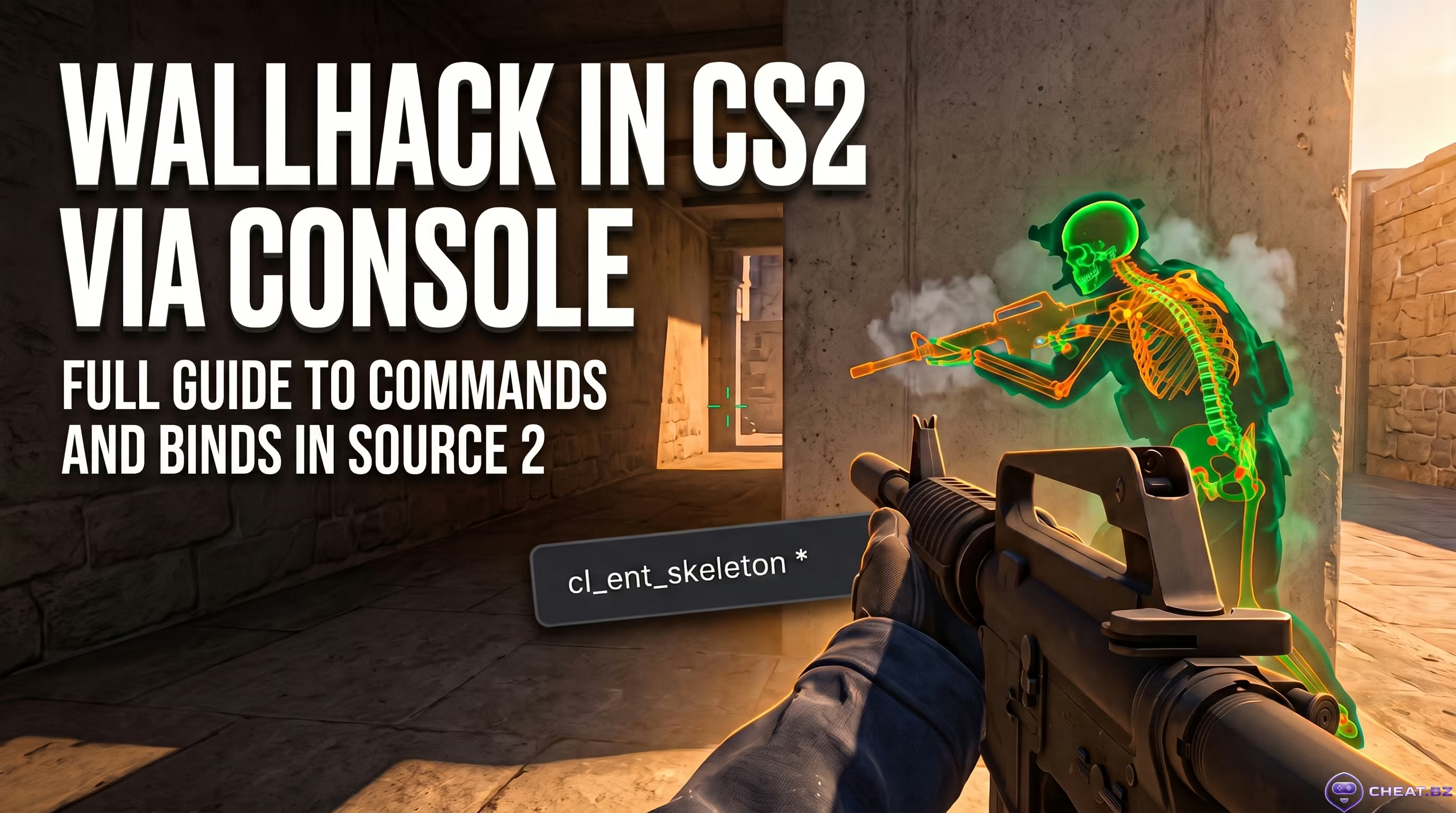
- cl_ent_skeleton (or ent_skeleton player) — draws the enemy’s skeleton on top of textures.
These commands let you see through walls, but only on a local server. For guaranteed account safety and unrestricted ESP at any distance in competitive matches, we recommend checking out the reliable protection and guarantee protocols on our marketplace, which offers private external solutions.
Mechanics and Math: How to Enable Aim via Console in CS?
CS2 has no direct command for a real aimbot (auto-aim). However, we can simulate the process through object manipulation (Entity I/O).
Aim at a bot and enter: ent_fire !picker addoutput "modelscale 0". This command shrinks the enemy’s visual model to zero. The server math breaks, and the engine inflates the invisible hitbox to enormous size. As a result, any bullet that flies near the target registers as a guaranteed headshot.
How to remove recoil in CS? No-recoil CS2 cheat
To disable spread on your server, enter: weapon_recoil_scale 0 and weapon_recoil_cooldown 0. This makes your weapon incredibly accurate.
Additionally, the new version of Counter-Strike has a Follow Recoil feature. Your dynamic crosshair will now follow the spray pattern. You can toggle it quickly with this bind: bind "n" "incrementvar cl_crosshair_recoil 0 1 1".
Physics Setup: Noclip, Immortality, and Gravity
Useful console commands for controlling your character and the world:
| Console Command | Function Description |
|---|---|
| noclip | Enables flight. Lets you pass through map textures and grants immortality for one round. Perfect for exploring the map. |
| buddha 1 | Immortality command. Unlike the old godmode (god command), your health drops to 1 HP but you never die. The screen still reacts to damage and blood decals remain. Use buddha_ignore_bots true to disable the mode for bots. |
| sv_falldamage_scale 0 | Disables fall damage. You can jump from any height without losing HP. |
| sv_gravity 0 | Zero gravity. Your character will not fall downward. |
Many players also search for how to enable bunny hop (BHOP) in CS via console. Enter this entire line to experience perfect bunny hopping without speed loss: sv_enablebunnyhopping 1; sv_autobunnyhopping 1; sv_staminajumpcost 0; sv_staminalandcost 0; sv_airaccelerate 100; sv_maxspeed 10000.
Economy and Drop List: How to Give Weapons and Money?
To become the richest player in Counter-Strike, enter: impulse 101. This gives you the maximum amount of money ($16,000). If you want to automate it, use mp_afterroundmoney 60000 — the money will be replenished every round.
You can give weapons with the code: give weapon_[name], and armor with give item_[name].
| Category | Example Command | Description |
|---|---|---|
| Assault Rifles | give weapon_ak47 | Also: give weapon_m4a1_silencer, give weapon_m4a4 |
| Snipers & Pistols | give weapon_awp | Also: give weapon_deagle, give weapon_glock |
| Grenades | give weapon_smokegrenade | Also: give weapon_hegrenade (HE), give weapon_flashbang (Flash) |
| Armor | give item_vesthelm | Body armor and helmet. For heavy: give item_heavyassaultsuit |
How to Create the Perfect Server for Grenade and Lineup Practice?
Creating the right training environment saves hours of time. Here are the best CS2 console commands to put in your practice.cfg.
- mp_roundtime 60 — sets round time to 60 minutes.
- mp_freezetime 0 — completely removes the freeze time at the start of the round (you can use mp_freezetime 2 for a short pause).
- sv_infinite_ammo 1 — infinite bullets and grenades. Value 2 spends magazines but removes the limit (you still need to reload).
- bot_add — adds bots. Players are split into two teams. Be sure to use mp_autoteambalance 0.
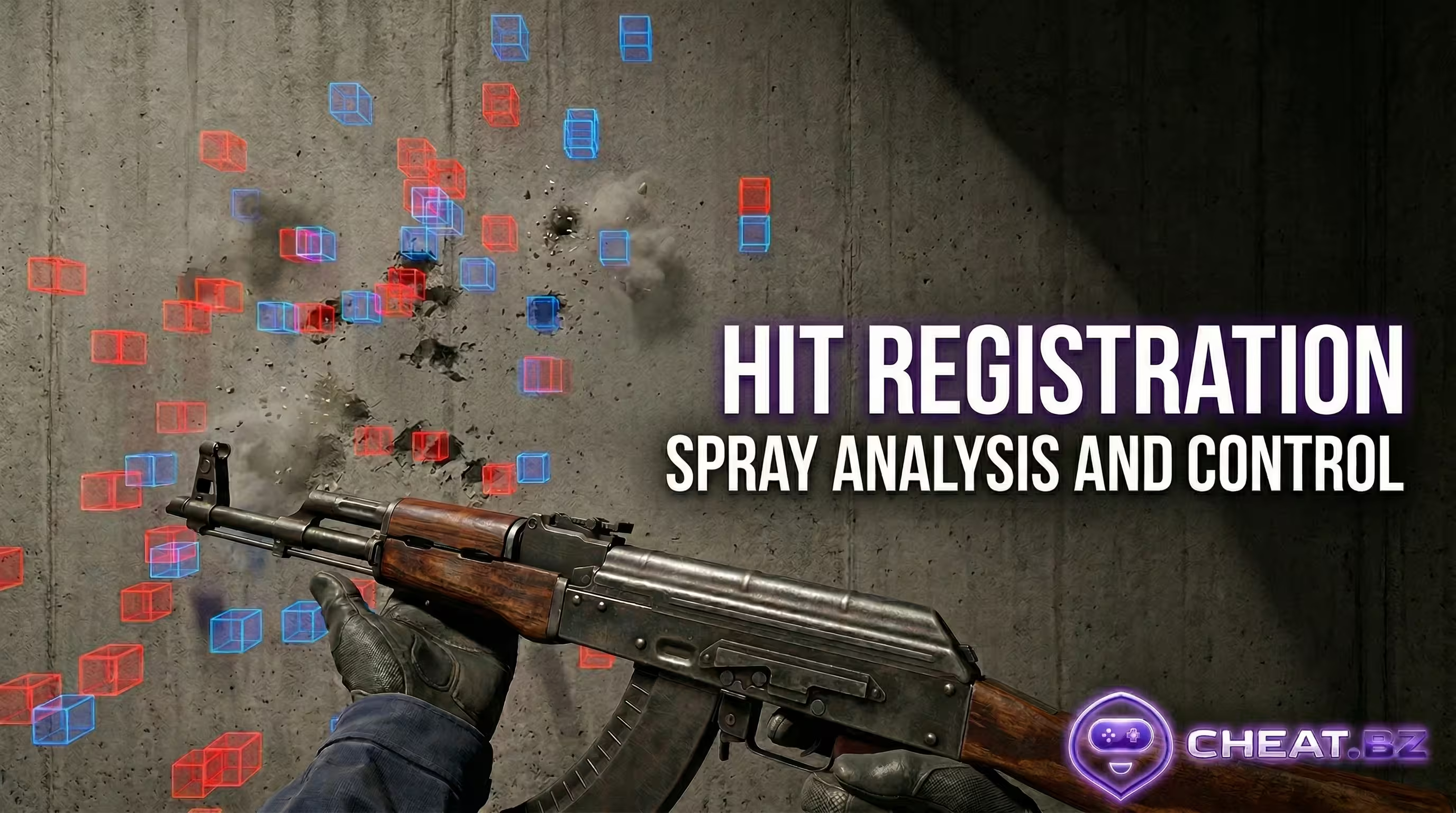
- sv_showimpacts 1 — draws colored squares at hit registration points.
Commands for CS grenades:
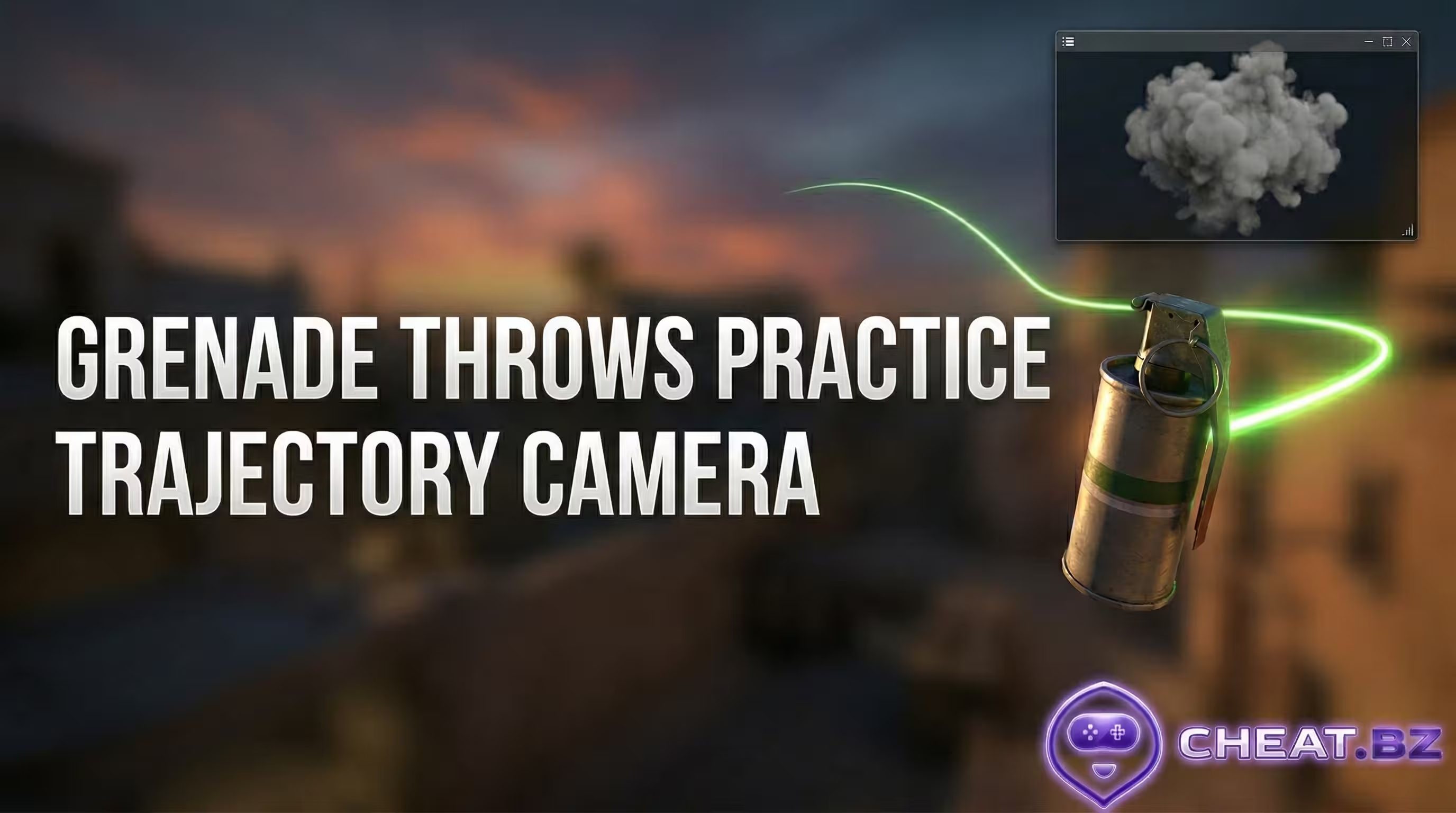
An exclusive Source 2 feature is the variable sv_grenade_trajectory_prac_pipreview 1. It not only draws the flight path but also opens a Picture-in-Picture (PiP) window. You’ll be able to watch the grenade trajectory and see the exact detonation point from an extra camera.
The sv_rethrow_last_grenade function automatically replays your last thrown grenade (the server repeats the throw for you).
To avoid waiting for smoke to clear, use host_timescale 5 to speed up the engine time.
Replacing net_graph, Radar, and Crosshair Settings
The old net_graph command no longer works. For better performance and network monitoring, enter: cl_hud_telemetry_ping_show 2 (ping) and cl_hud_telemetry_framerate_show 2 (frames per second).
Crosshair settings are also important. If you use a dynamic classic crosshair, enter cl_crosshairgap_useweaponvalue 1. The gap in the dynamic crosshair will now change depending on the weapon, helping with recoil control.
For fun, you can enable third-person view in CS with thirdperson (return with firstperson). And if you get stuck in textures, the commands kill or explode will instantly kill your player in CS.
How to Create Binds in CS?
Counter-Strike developers made automation easy. The special code for binding keys looks like this: bind [key] "[action]".
- Noclip bind: bind v "noclip"
- Grenade bind: bind c "give weapon_hegrenade"
Conclusion
In this article we covered the most important CS2 console commands. Studying the game through debug tools gives you a massive understanding of map geometry, timings, and ballistics. However, you need to understand one thing: the moment you leave your local server, all these commands turn into useless text.
While others waste nerves, deranking because they lack proper map knowledge or get wrecked by smurfs on the enemy team, smart players take full control of the situation. If you want to dominate consistently and stop depending on the limitations of official servers, check out our catalog of private cheats for current games, where you’ll find reliable tools for comfortable wins.